18
DriveRack™
dbx
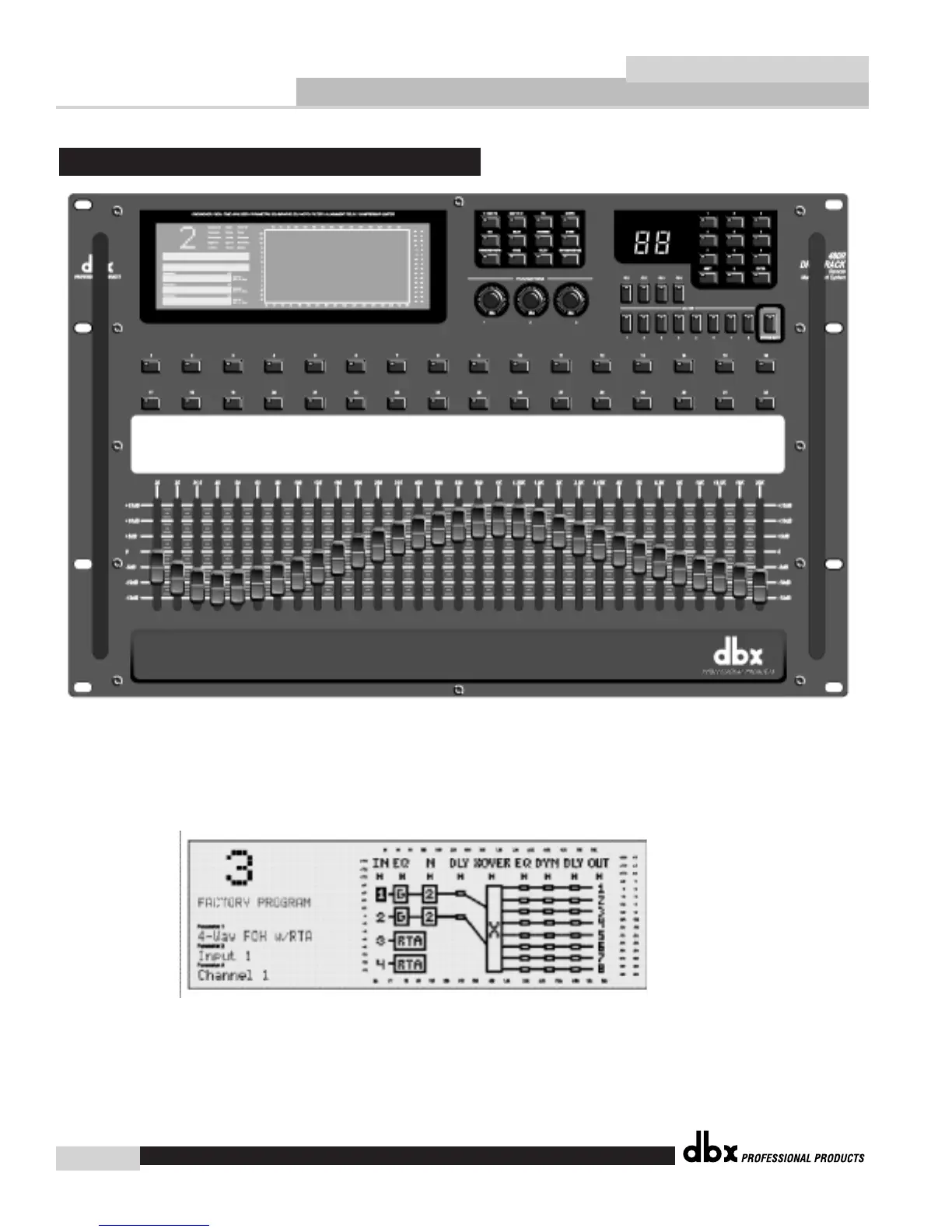
LCD Display
The large LCD display of the 480R DriveRack™ provides the user with all of the vital process-
ing information of the DriveRack™ including: signal routing, configuration modes, effect block
editing and RTA displays.
Function Buttons
The function buttons of the 480R DriveRack™ allow access to all edit-
ing and navigating functions of the 480 DriveRack™.
Front Panel (480R)














 To Next Page