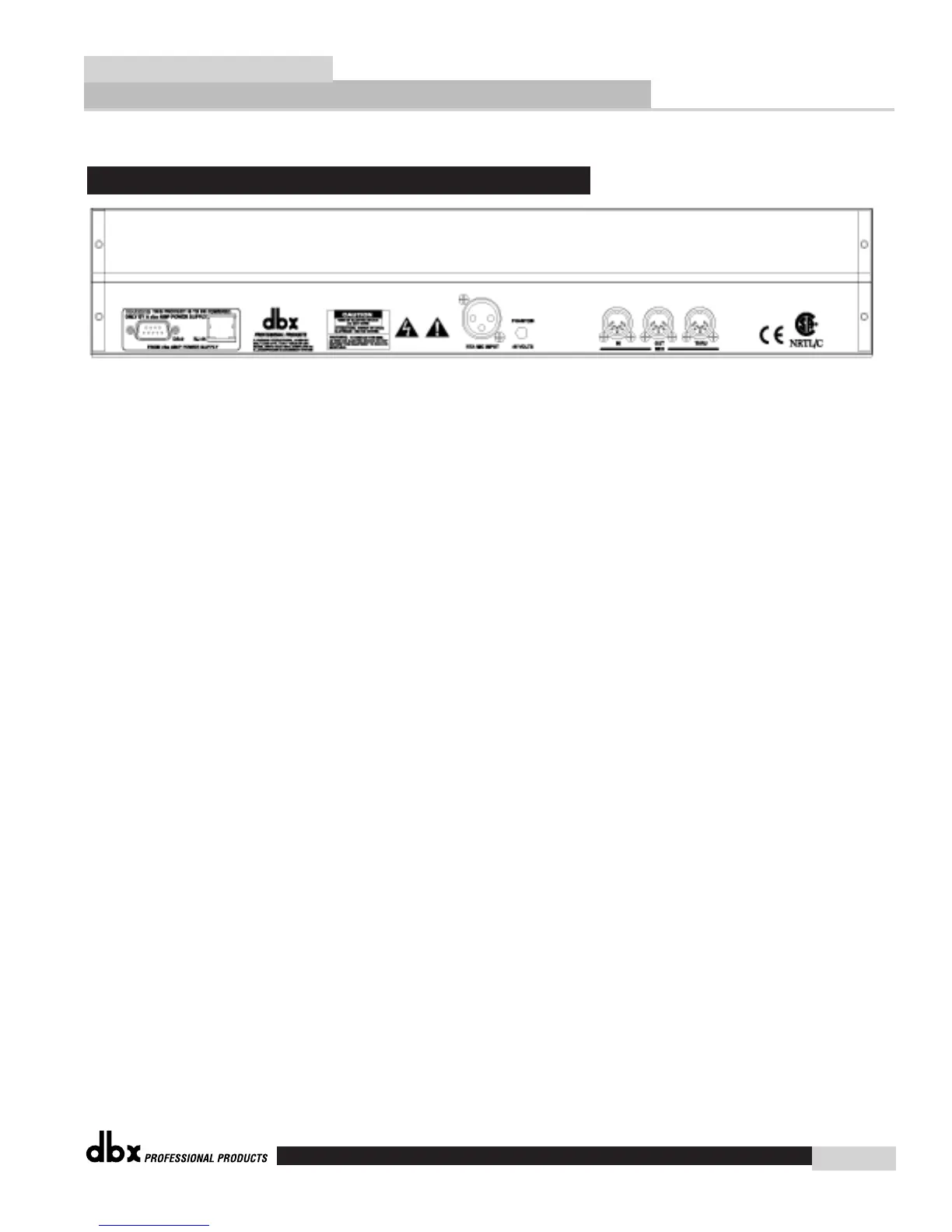
DB-9 and RJ 45 Connectors
Either of these connectors can be used to send and receive information from other DriveRack™
units in the network system.
RTA Microphone Input
This input is used to insert a microphone for use with the real time audio analyzer.
Phantom Power Switch
This Thru network connection is used to pass information to other units in the DriveRack™ net-
work link.
MIDI In and Out/Thru Connectors
These connectors provide MIDI functionality to the 480 DriveRack™. The In, Out and Thru
jacks allow you to use the 480R DriveRack™ at any point in the MIDI chain.
Rear Panel Connections (480R)
Monitor Application Guide
DriveRack™
dbx
17














 To Next Page