24
Section 3
QUANTUM
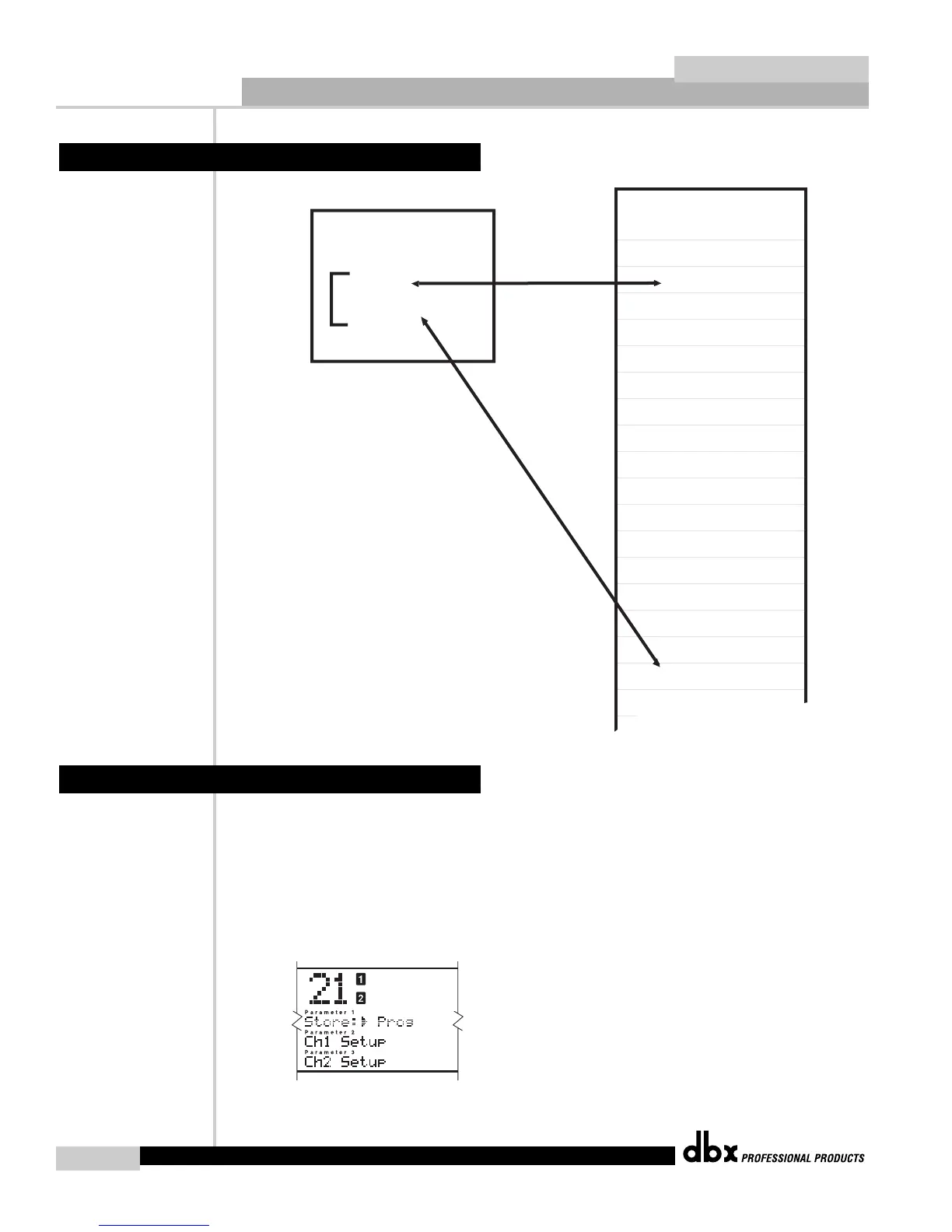
Saving a setup can be done by following these steps:
1. After you have edited your setups to your liking, press the STORE button. The screen
will look like the figure below. Pressing the DATA WHEEL move the cursor down to
either CH 1 Setup, or CH 2 Setup, if you have been editing a dual mono program. If you
have been working with a linked program, your second choice will be “Link Setup”.
Make your selection by pressing the STORE button again. Remember that there is room
in the QUANTUM to store 50 linked setups and 50 mono setups, in addition to the fac-
tory setups.
3.3 Saving a Setup
Mono Def.


 To Next Page