6. WEB INTERFACE
6.1. Overview
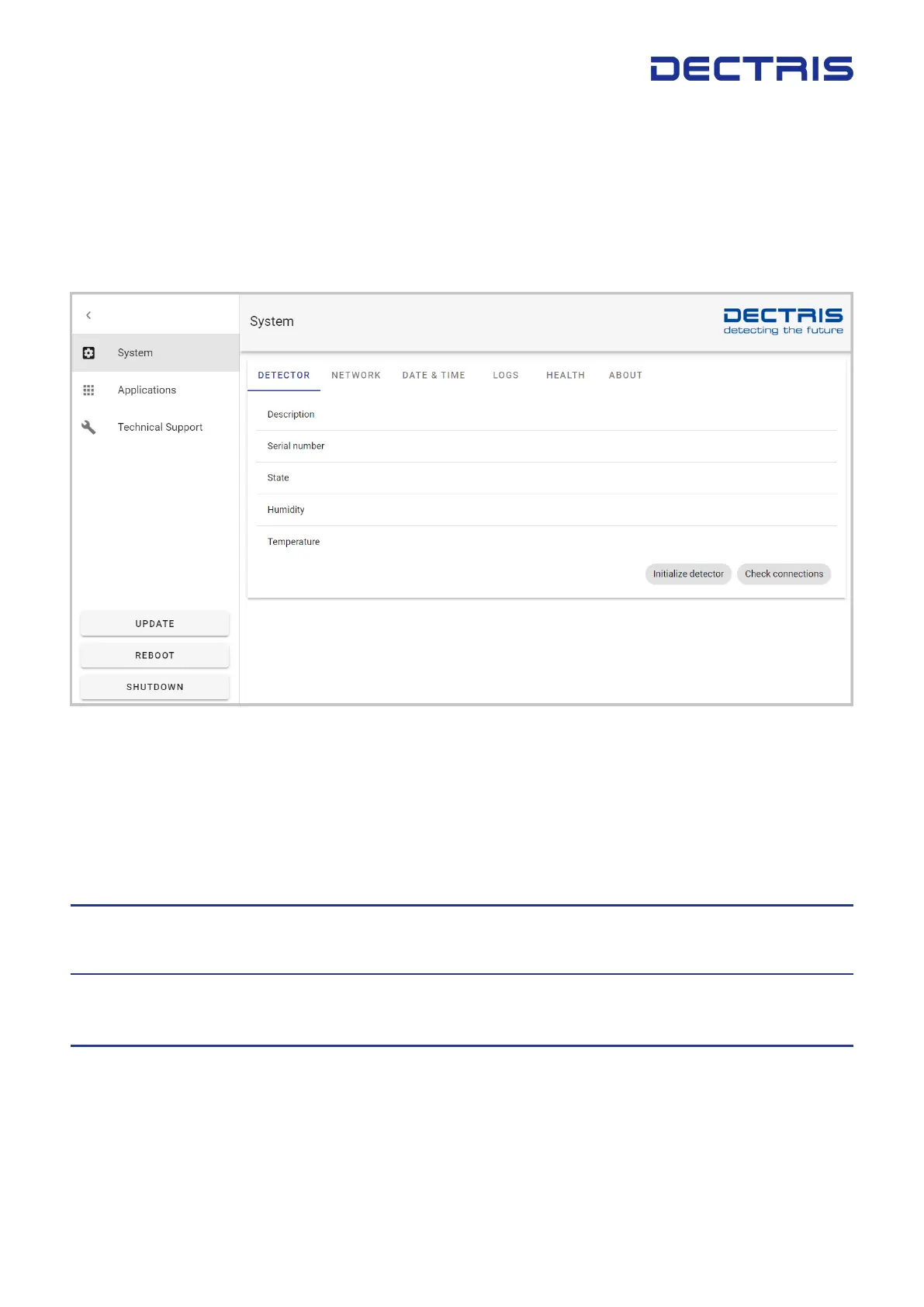
The EIGER2 web interface (gure 6.1) provides simple access to basic functions and settings of the detector
system for installation, debugging, and system updates. For productive operation of the detector, please refer
to the API Reference.
Figure 6.1: EIGER2 home page.
Table 6.1 summarizes the functions available through the left panel of the web system interface.
Table 6.1: Menu items of the EIGER2 web interface.
Menu Point Content
System View the system information and access the detector control unit system set-
tings (see section 6.2)
Applications Manage the detector and calibration applications. This tab provides functions
to start and stop the detector software, change software versions and upgrade
the detector software to a new version.
Technical Support Simple interface to create a bug-report. The bug-report creates a tarball that
can be downloaded and sent to DECTRIS
®
support at support@dectris.com.
The bug report is not sent automatically.
DECTRIS EIGER
®
2 User Manual v1.8.2 11 | 36



 To Next Page