Cleaning Dedrone
18 v0.4 IM-Inst-RF360en
9 Decommissioning
9.1 Shut down the RF-360
RF-360 breaks
By disconnecting the cable of the power supply without shut down the RF-360, the RF-360
could break.
• Always shut down the RF-360 before disconnecting the cable.
You have the possibility to shut down the RF-360 via the DroneTracker user interface or directly on
the sensor.
Shut down via DroneTracker user interface:
1
Log in to the DroneTracker UI.
2
Choose OPTIONS > Site Configuration.
3
Right-click on the desired RF-360.
4
Choose System > Shutdown hardware.
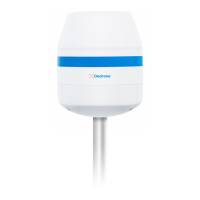
Briefly press the activation button at the RF-360 in the grip recess.
The RF-360 shuts down and the blue light goes out.
Shut down directly at the RF-360:
9.2 Dismantling
9.3 Disposal
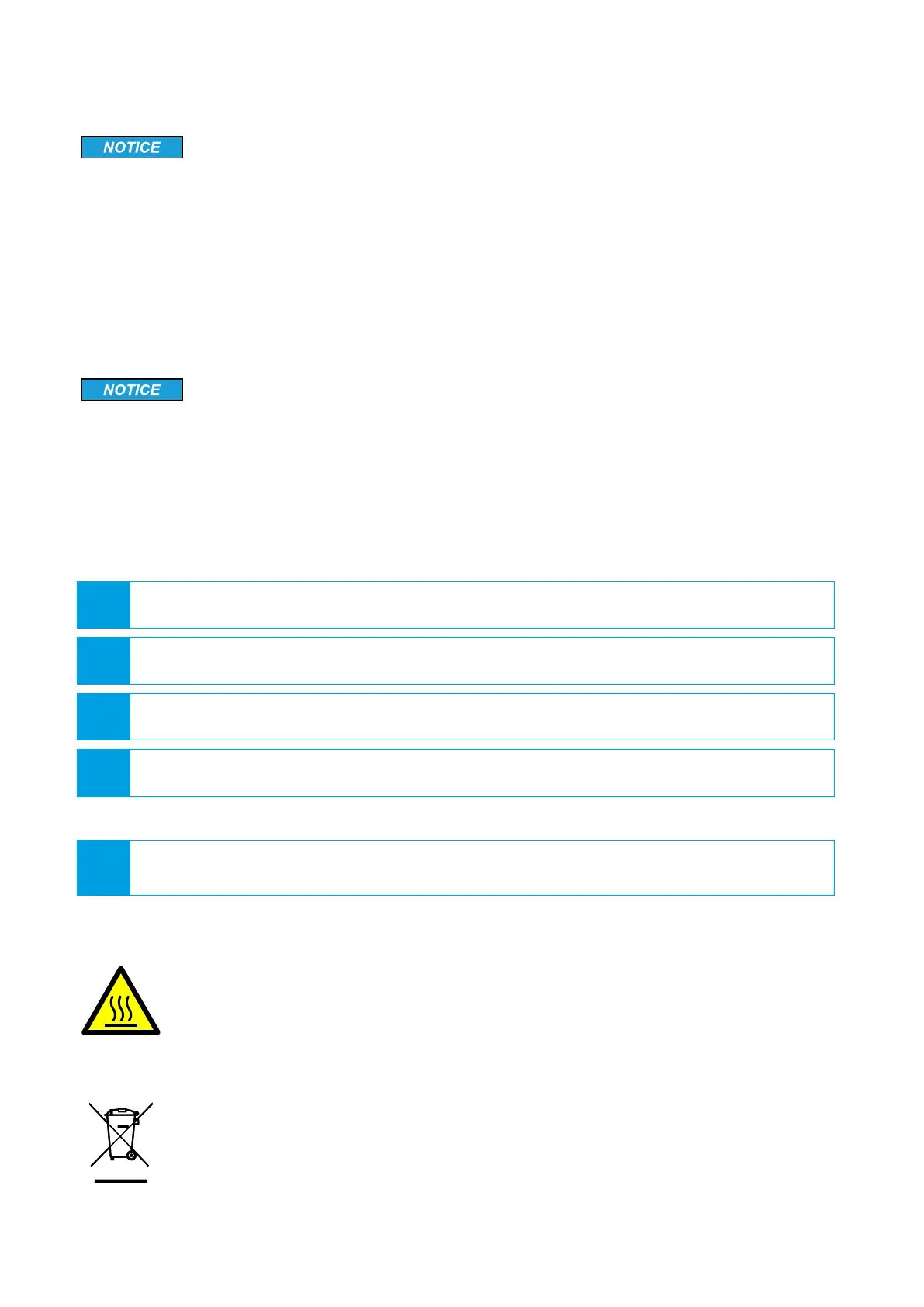
Hot surface due to permanent sunlight
The surface of the RF-360 may become hot from permanent strong sunlight.
• Wear safety gloves when dismantling the device.
Dispose the RF-360 at the end of its service life in accordance with the disposal
regulations for electronic waste which apply at the installation location at that time.
Alternatively, send it back to Dedrone GmbH with shipping paid by sender, and labe-
led "ZUR ENTSORGUNG" ("FOR DISPOSAL").
8 Cleaning
Wrong cleaner damages the housing
The wrong cleaner can damage the housing or antenna of the RF-360. Never use glass cleaner or
other solvent cleaner to clean the RF-360.
• Use solvent-free cleaner to clean the RF-360.


 To Next Page