18
COSMIQ
+
Dive Computer
Back to Contents
Mode: water activation and manual activation.
If your COSMIQ
+
is set to use Bottom Timer Mode as the default dive mode, just
enter the water when in Standby or Watch Mode and your COSMIQ
+
will activate
within seconds of detecting 2 m (6 ft) of water pressure. You can tell if the current
mode is the default mode when the letters dF show. This setting can be adjusted in
the Deepblu app.
If it is not your default dive mode, simply navigate to Bottom Timer Mode and dive to
2 m (6 ft) of depth before the timeout of 3 minutes has elapsed.
5.3.2 During your dive
Once you descend past 2 m (6 ft), your COSMIQ
+
will lock into Bottom Timer Mode.
The MODE button will be disabled for the duration of the dive. No other modes can
be accessed during the dive.
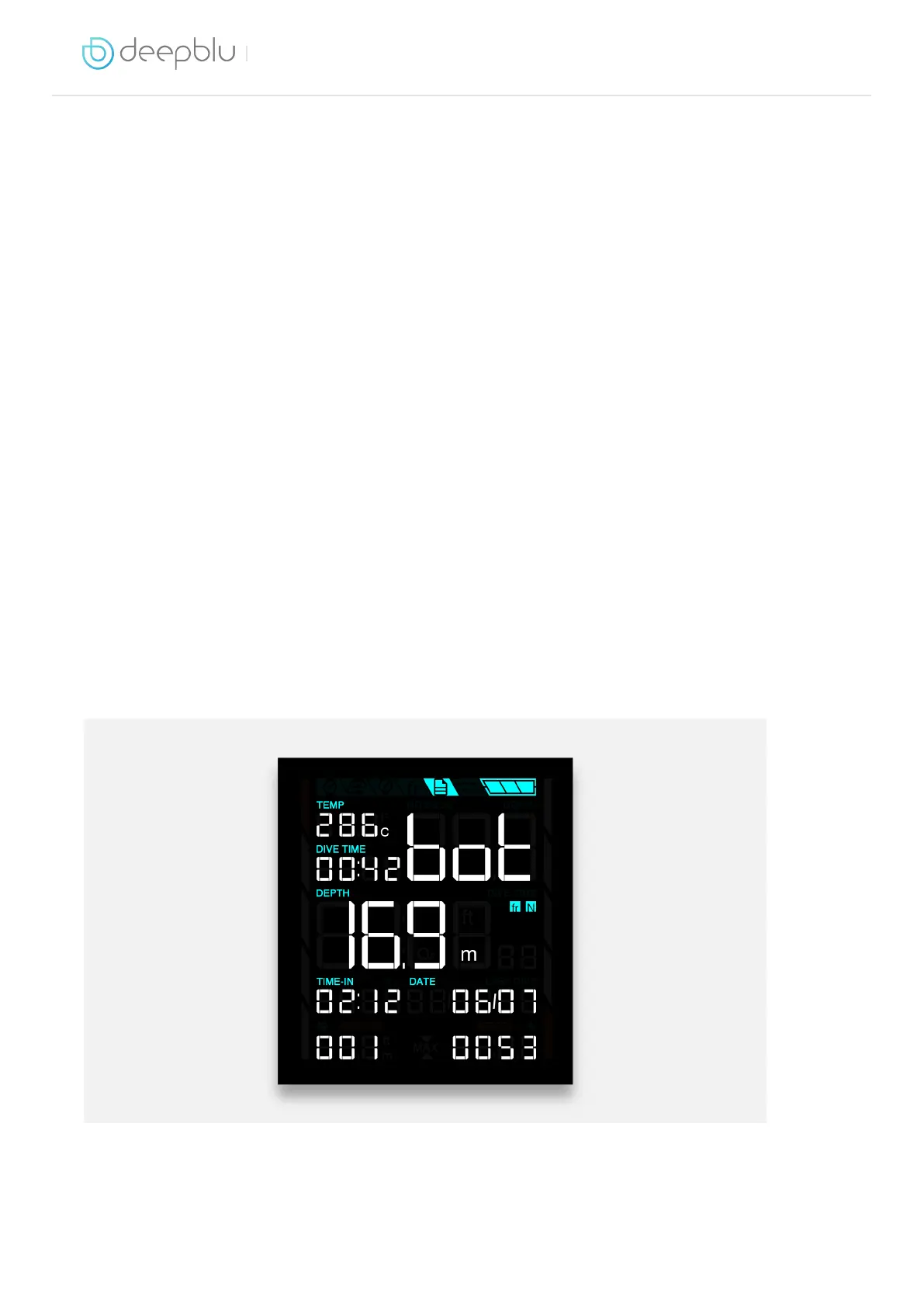
In addition to depth, temperature and dive time, your COSMIQ
+
will also keep track
of average depth and a secondary time. These values are useful to monitor staged
dives, for example where you need to make decompression stops. You can reset the
average depth and secondary time at any time by pressing the ADJUST button.
NOTE: The Gauge Mode on the older COSMIQ model does not feature resettable
average depth and stage time.
5.3.3 After your dive


 To Next Page