SYSTEM SETTINGS
Select [System Settings] in Main menu, press
<MENU> to enter below settings:
- System time
- Backlight
- Language
- Tools
- Contrast
- Firmware version
- Restore factory settings
- Exit
SYSTEM SETTINGS
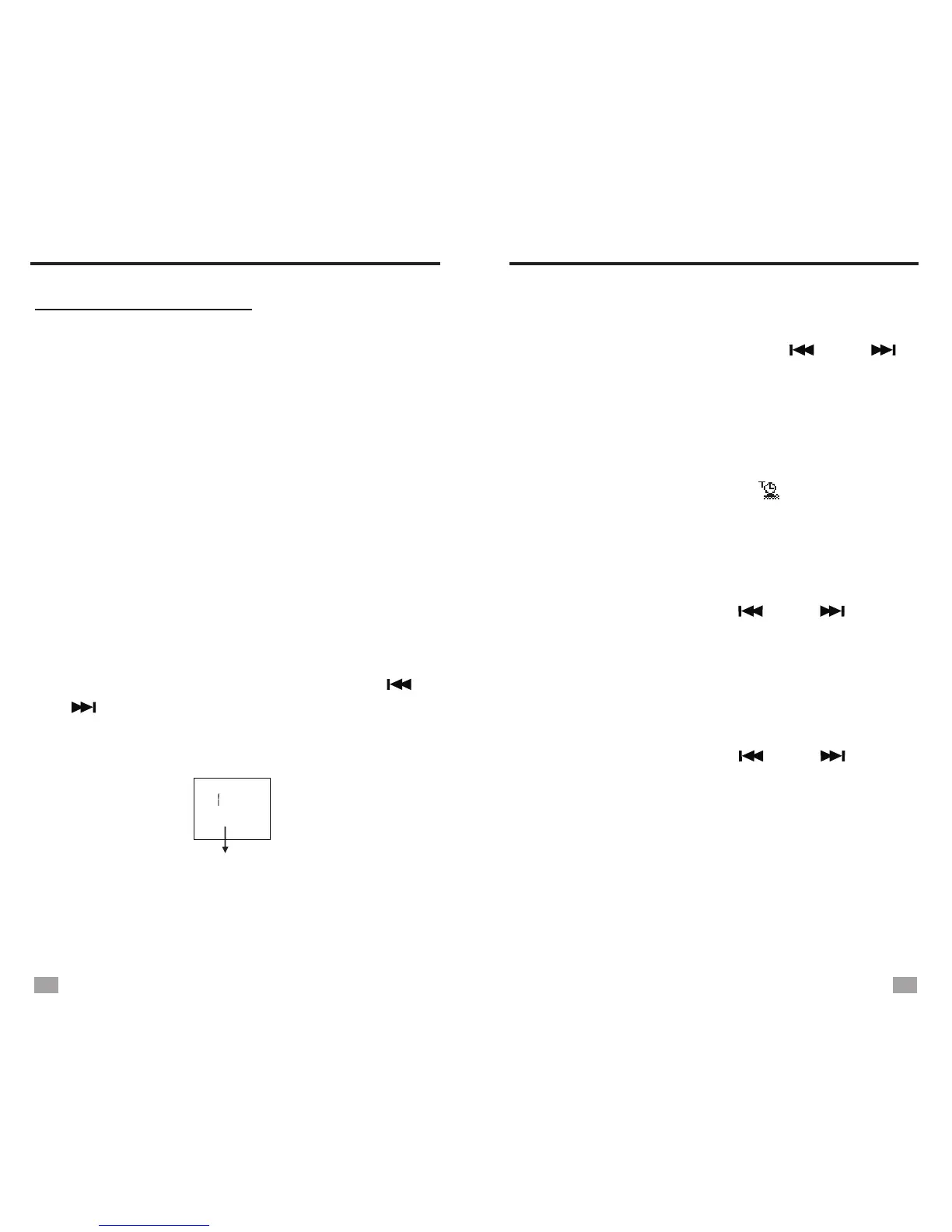
DATE AND TIME SET
Select [System time] in System Settings, press
<MENU> to enter date and time set. Press
<MENU> to move the cursor and press < >
or < > to adjust. Press <M-/ESC> to save and
exit when setting finishes.
NOTE: Operate time for each step is about 5 seconds.
Hour: Minute: Second
Year: Month: Date
20 3 -09 -08
00:25:45
Press < > in Main menu can play the time
on the display.
M-/ESC
SLEEP TIMER
In , select [Tools] - [Sleep timer],
press <MENU> to enter. Press < > or < >
to adjust the auto turn off timer from 00 - 90,
select 00 to turn off the sleep timer. Press
<MENU> to confirm and exit.
The radio will turn off automatically when reaches
the preset timer.
System Settings
After setting the sleep timer, [ ] will show on
the display when the time is displayed.
BACKLIGHT TIMER
Select [Backlight] in System Settings, press
<MENU> to enter. Press < > or < > to
adjust the backlight timer from 03-240 (seconds),
press <MENU> to confirm and exit.
Select [Language] in , press
select your desired language.
Available languages:
-
-
-
-
-
-
-
System Settings
<MENU> to enter. Press < > or < > to
Chinese simpified - Dutch - Turkish
Chinese traditional - Portugese - Hebrew
Japanese - Spanish - Thai
Korean - Swedish - Hungarian
English - Czech - Romanian
French - Danish - Arabic
German - Polish
- Italian - Russian
LANGUAGE SELECTION
SLEEP TIMER
19
20


 To Next Page