BATTERY POWER SUPPLY
5 6
2. T o charge the battery, connect the unit to the
mini-USB port and opposite end to a power
source.
3. While charging, the battery symbol shown on
the display moves from right to left, and
stops when the battery is full charged.T hen
disconnect the unit and the adapter.
NOTE:
Alternating current can interfere the radio signal, so it is
not recommended to use the radio when charging.
Do not use AC adapter or computer to power the unit to
play music or listen to the radio when the battery is
unloaded.
Please unload the battery or fully charge it once in 2
months if the unit is not used for a long time.
Charged by PC
1. Connect the unit and the computer with the
provided USB cable.
2. While charging, the battery symbol shown on
the display moves from right to left.
3. T he battery symbol stops moving when the
battery is full charged.
NOTE: When charged by PC, a USB symbol shown on
the display. When Micro SD/TF card is inserted, press
< > twice and select Music Mode to play the music.
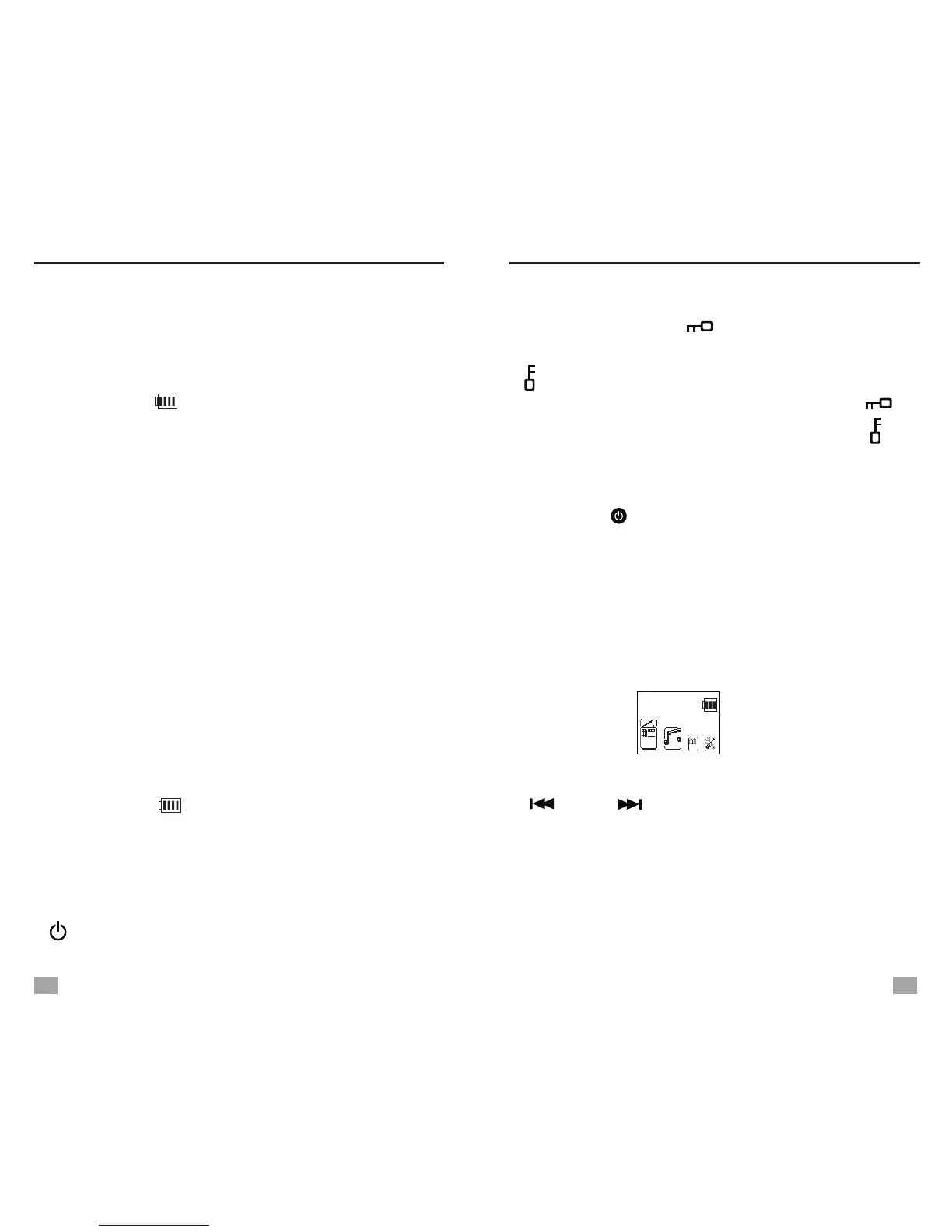
MAIN MENU
LOCK: Long press < / Song Selection>, all
the keys except this key will be locked with the
“ ” symbol shown on the display.
UNLOCK: A fter keys locked, long press < /
Song Selection> to unlock keys, and the “ ”
symbol disappears.
LOCK/UNLOCK KEYS
POWER ON/OFF
Press the < > button to turn on/off the unit.
Auto turn off: T he unit will turn off automatically
in 3 minutes without any operation in Main Menu
mode.
MAIN MENU
In any mode, press <M-/ESC> can go back to
Main Menu.
In Main Menu, rotate <Tuning knob> or press
< > or < > to select either of the below
functions and press <MENU> to enter.
Radio: FM/MW/SW Radio
Music: MP3 music play mode
Text browser (Ebook): Text reading mode
System Settings
Calendar
Main Menu
Radio


 To Next Page