TUNE I N S TATIONSTUNE I N S TATIONS
Auto tuning:
Menu.
2. Adjust the volume to an appropriate level and
choose your desired band.
3. Press and hold < > or < > for about 2
seconds, then release to auto tune into the
next available station. If the auto-tuned station
frequency is inaccurate, please use manual
tuning to find the accurate frequency point.
1. Turn on the unit and select [Radio] in Main
Jog tuning:
Menu.
2. Adjust the volume to an appropriate level and
choose your desired band.
3. Rotate <Tuning knob> and notice the
frequency changing in the display, stop rotating
when the radio receives a satisfactory station.
1. Turn on the unit and select [Radio] in Main
Memory location
Auto search (ATS):
1. T urn on the unit and select [Radio] in Main
Menu.
2. A djust the volume to an appropriate level and
choose your desired band.
3. Press <MENU> to open the sub-menu and
select [Auto search], press <MENU> again to
start auto tuning and store all the available
stations into memory.
Memory Locations:
FM: M001 - M440
MW: M001 - M132
SW: M001 - M928
Memory recall
1. Turn on the unit and select [Radio] in Main
Menu.
2. Press <M+/ERC> or <M-/ESC> to select a
station that stored within the memory.
STORING STATIONS MANUALLY
Select your desired station, press <MENU> to
open the sub-menu and select [Save], press
<MENU> again to confirm. The stored station’s
memory location will be sorted according to the
size of the frequency number.
11
12
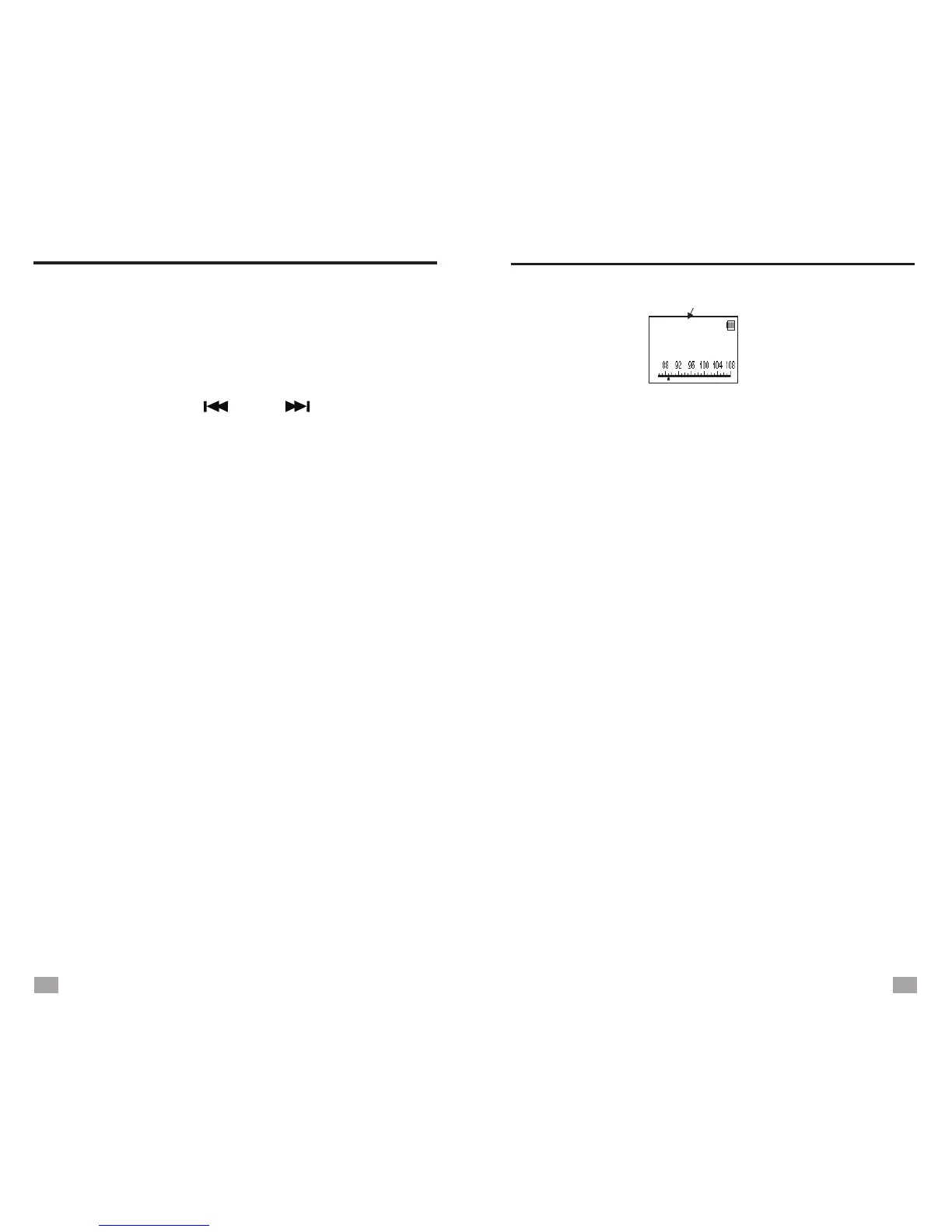
89.8
FM
MHz
M005
NOTES:
After storing stations into memory, you can use Memory
Recall to find the stored station quickly.
All the stations that stored manually will be replaced
when using Auto Search (ATS).


 To Next Page