LINE-IN
1-2
1-3
1-4
9
9
9
9
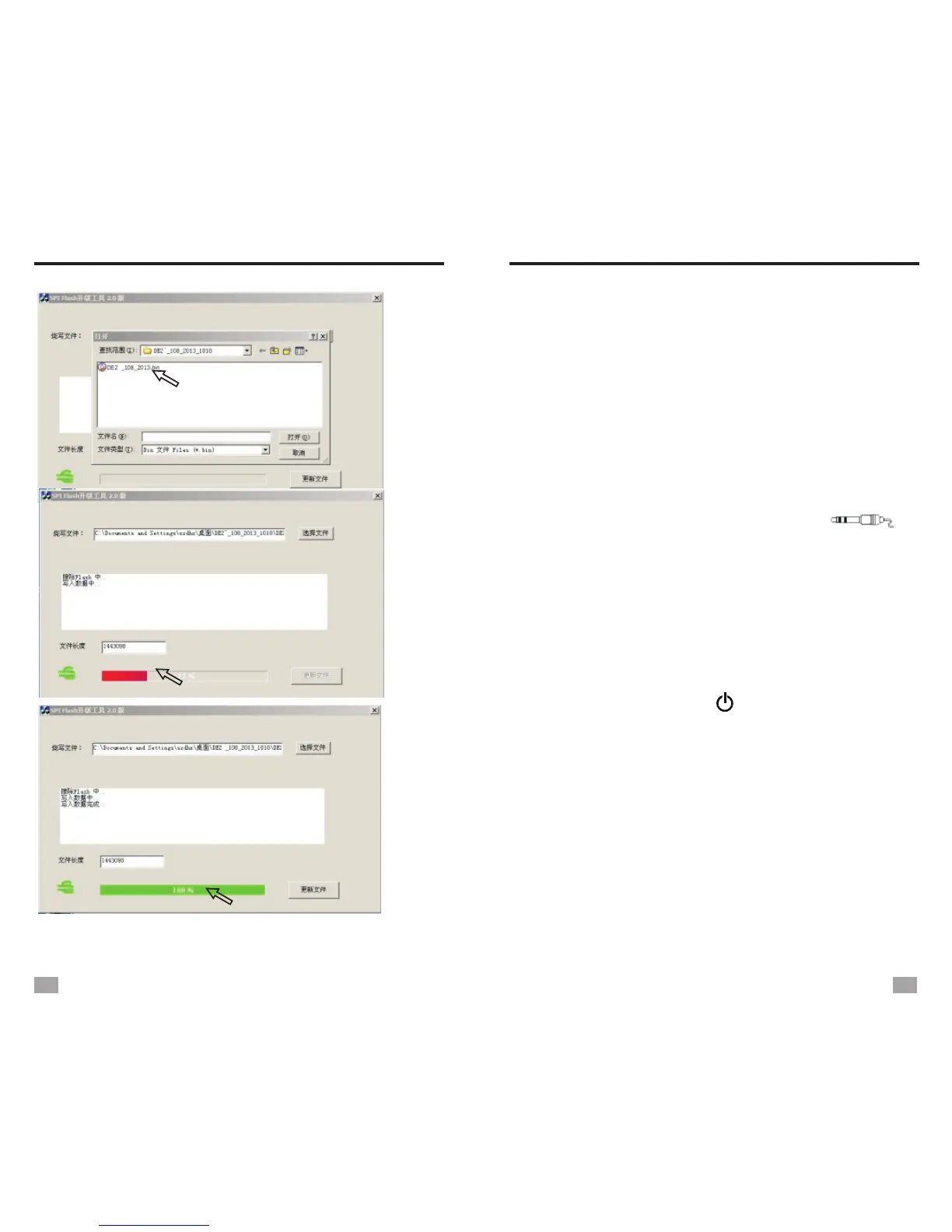
FIRMWARE UPGRADE
USE AS AN ACTIVE LOUDSPEAKER
(LINE-IN)
The radio has line-in function, can be used as
an active loudspeaker by connecting it to other
media devices such as laptop, voice recorder or
other MP3 players with a line-in cable.
Plug one end of the line-in cable to the earphone
jack of the media device, and the other end into
<AUX> jack on the side of the radio. [ ]
will show on the display, then play the audio in
the media device.
The radio can also be used as a speaker of
computer. Use a USB cable to connect the radio
and a computer, all the audio from the computer
will be played via the speaker of the radio. To turn
off this function, press < > to turn off the radio.
25
26


 To Next Page