Page 28 from 69
8.1 Step 1 – Apply the voltage
After applying the voltage: LED 1 (Device) flashes green when the power supply is correct
LED 2 (Status) lights up green when the power quality is good (in factory configuration)
8.2 Step 2 – Connection to the web server
Connect DEHNrecord SD directly to computer:
1. Configure computer: IP 169.254.0.1, Sub. 255.255.255.0
2. Connect computer and DEHNrecord SD directly with network cable
3. Activate web server: press push button 2 (Basic) briefly,
LED 1 (Device) lights up blue
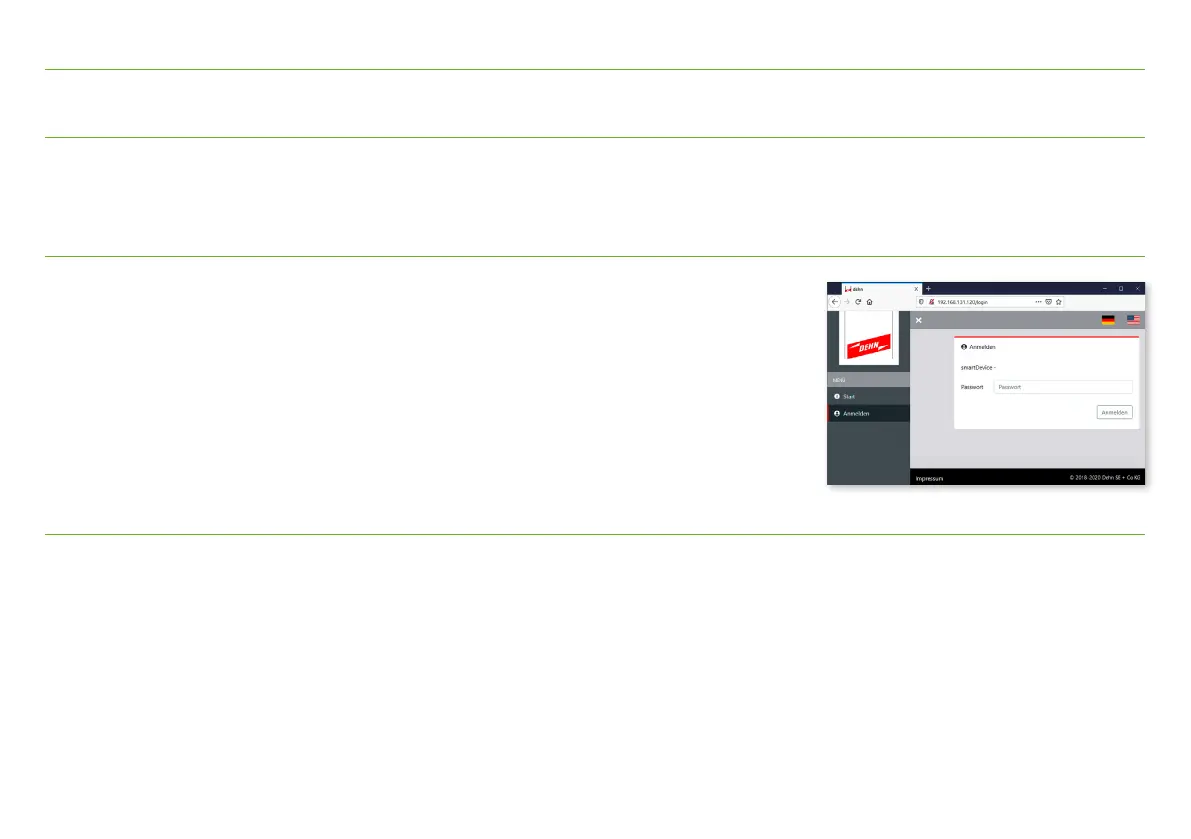
4. Access with browser: http://169.254.0.10
Password in delivery state: smartdevice
8.3 Step 3 – Check
After successful login, the following properties can be checked and settings can be made, for example:
Rotation field direction of the voltage connections, connection of the current sensors, connection of the impulse current sensor.
8. Commissioning


 To Next Page