DelfiScan
Programming Manual
Configure Your DelfiScan
42
PROGRA
M
Condensed DataWizard
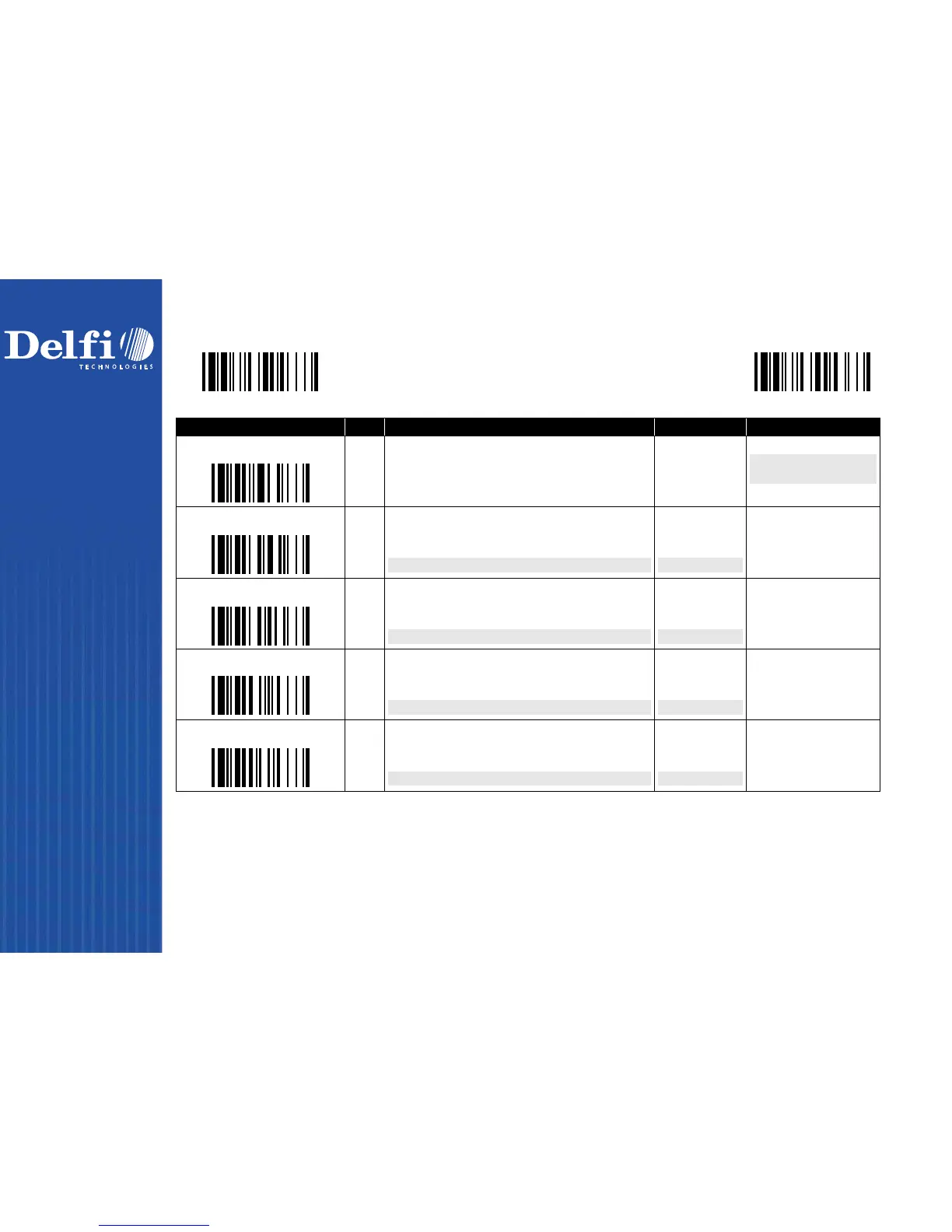
Data Formatter Setting
M_DEFA
ULT
Family Code Selection P.C Parameter Selection Option Code 2nd
Option Code
Formatter Control
SS
MS
MS
Disable
Select one bar code symbology
Select all bar code symbologies
FIN
(2 digits)
00
automatic termination
automatic termination
1st Insertion
SS
DS
Disable
Enable
2-digits identified position; max. 3 insertion characters
FIN
(2 digits)
position
[1-3 characters], [FIN]
2nd Insertion
SS
DS
Disable
Enable
2-digits identified position; max. 3 insertion characters
FIN
(2 digits)
position
[1-3 characters], [FIN]
3rd Insertion
SS
DS
Disable
Enable
2-digits identified position; max. 3 insertion characters
FIN
(2 digits)
position
[1-3 characters], [FIN]
4th Insertion
SS
DS
Disable
Enable
2-digits identified position; max. 3 insertion characters
FIN
(2 digits)
position
[1-3 characters], [FIN]
The
Data Formatter
is used to edit the scanned raw data prior to transmitting the data to the host computers or terminals. It allows you to select
desired bar code symbologies for formatter control, and provides
Multiple Position Insertion
and
Multiple Character Insertion
(max three
characters) in the identified position.
While the Data Formatter is enabled, it arranges only scanned data without
Preamble
,
Postamble
,
STX
,
ETX
,
Data Length
,
Prefix/Suffix
Symbolology ID
or
Record Suffix
. All of the above programmable parameters perform the same function depending on your setting.
Regarding the “
Bar Code Selection
” and “
Position Calculation
” of data formatter, please refer to page 46 for details.
Please note that all “
Character
” input should be referred to the
ASCII/HEX Table
listed in Appendix to find matched HEX value.



 To Next Page