DelfiScan
Programming Manual
Appendix
50
ASCII Input Shortcut
To configure the user definable parameters of DelfiScan via
programming menu, DelfiScan will ask you to scan your desired
ASCII value in HEX form. You have to refer to the “HEX/ASCII
Table” for details.
Example:
If you want the scanned data output leading with a Dollar Sign,
you have to set the “Preamble” to “$”. The configuration
procedure is listed below for reference.
Scan the system command – PROGRAM listed on page
3-24 to enter programming mode.
Scan family code – PREAMBLE to select this family
.
Refer to the Hex/ASCII Table, you will find the HEX value of
“$” is 24.
Scan the option code – 2 listed on the fold out back cover.
Scan the option code – 4 listed on the fold out back cover.
Scan the system command – FIN (Finish) to termin
ate
Preamble setting.
Scan the system command – End to exit the programming
mode for normal operation.
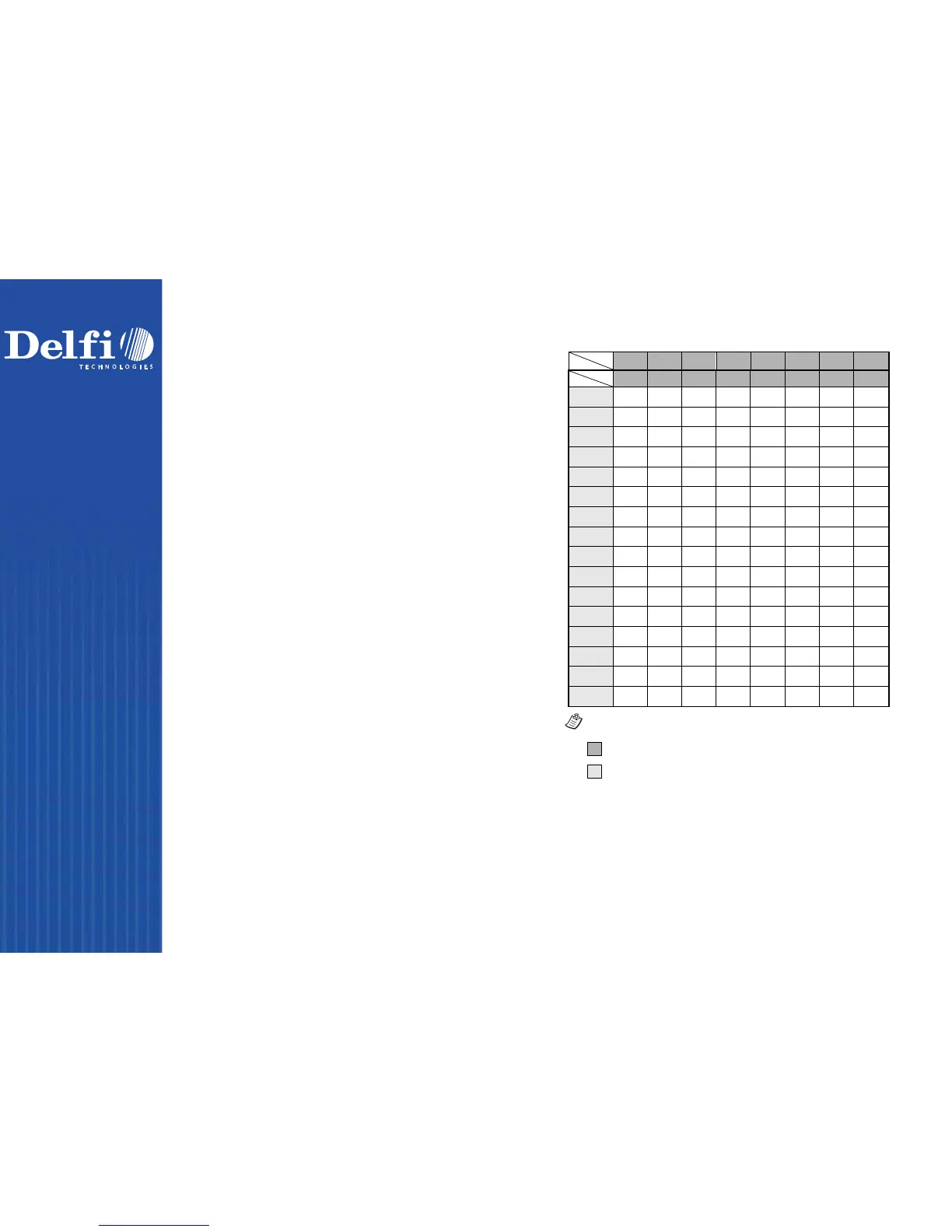
HEX/ASCII Reference Table
H
0 1 2 3 4 5 6 7
L
0
NUL DLE SPACE 0 @ P ` p
1
SOH DC1 ! 1 A Q a q
2
STX DC2 " 2 B R b r
3
ETX DC3 # 3 C S c s
4
EOT DC4 $ 4 D T d t
5
ENQ NAK % 5 E U e u
6
ACK SYN & 6 F V f v
7
BEL ETB ' 7 G W g w
8
BS CAN ( 8 H X h x
9
HT EM ) 9 I Y i y
A
LF SUB * : J Z j z
B
VT ESC + ; K [ k {
C
FF FS , < L \ l |
D
CR GS - = M ] m }
E
SO RS . > N ^ n ~
F
SI US / ? O _ o DEL
Example : ASCII “A” HEX “41”; ASCII “a” “61”
: High Byte of HEX Value
: Low Byte of HEX Value



 To Next Page