14
|
Installation
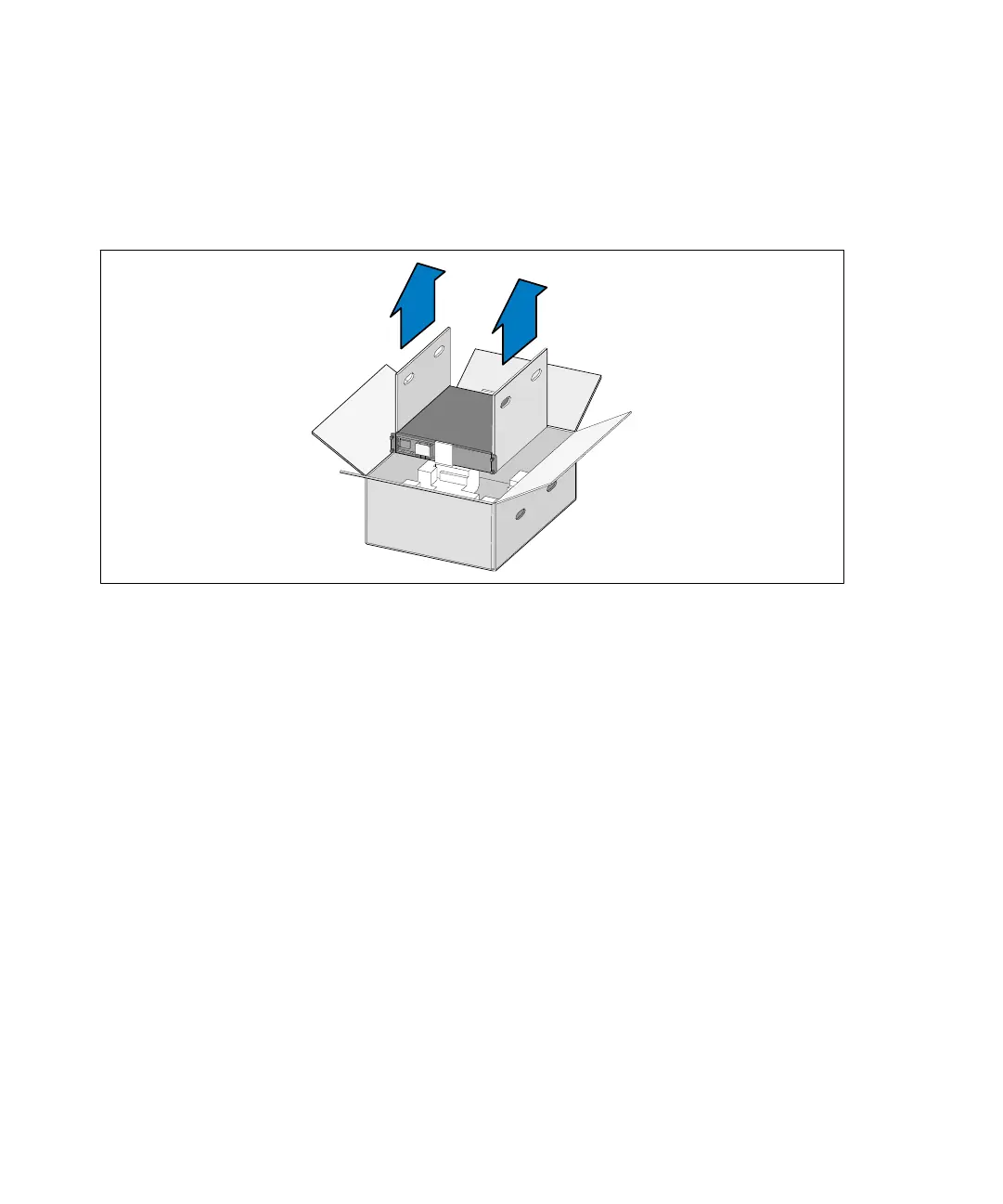
2 With one person on each side, carefully lift the cabinet out of the outer carton using the handles
on the cardboard and set it on a flat, stable surface (see Figure 3).
Place the cabinet in a protected area that has adequate airflow and is free of humidity, flammable
gas, and corrosion.
Figure 3. Lifting the Cabinet
3 Discard or recycle the packaging in a responsible manner, or store it for future use.



 To Next Page