Service Manual
Analog EDID Program Procedure
The Write-Protect Pin of EEPROM is generally pulled up to enable EDID to be read only; EDID cannot be
written at that status. The following steps enable EDID to be written:
6.1.1 Connect the monitor and PC via a VGA cable.
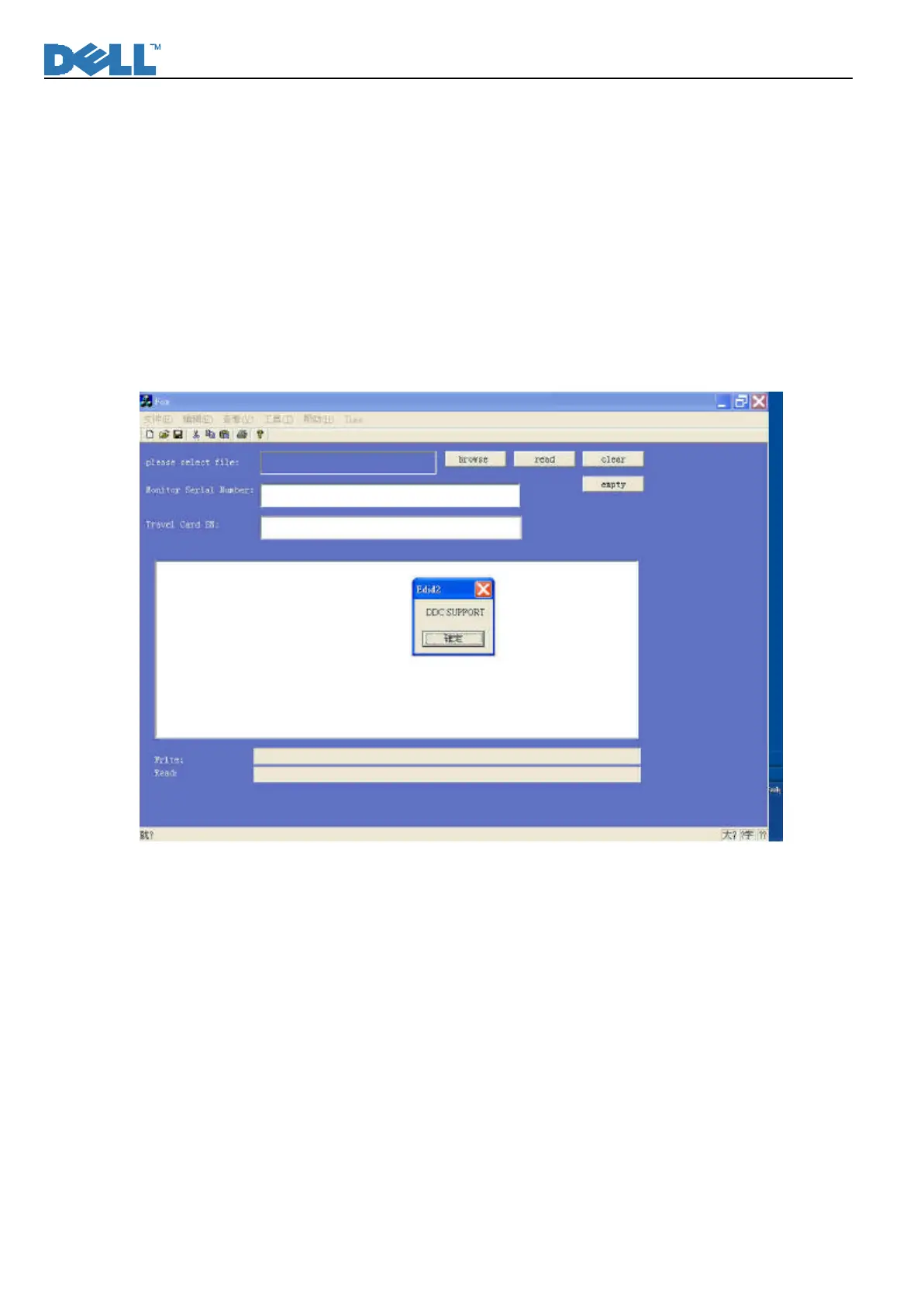
6.1.2 Execute the programmer, “DELL 1x07 EDID – Analog”.
The program will automatically force the resolution of the PC to be at 1024x768. By performing the
1x07FPf EDID, either “DDC Support” or “DDC NO SUPPORT” will be shown first. Only “DDC SUPPORT”
enables the EDID to be flashed through the programmer. The EDID of the monitor cannot be reprogrammed
through VGA cable if “DDC NO SUPPORT”.












 To Next Page