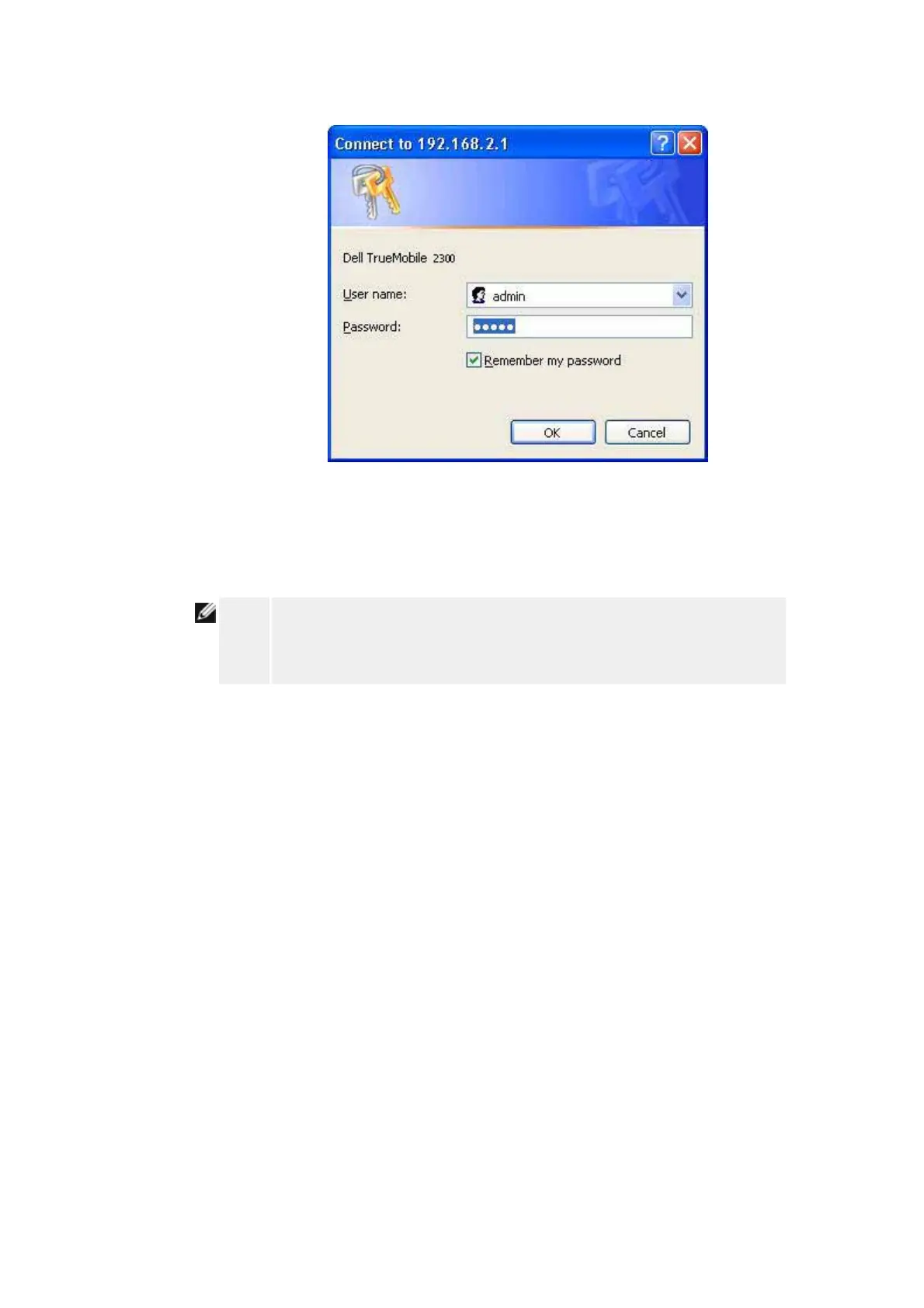
Example 2: Manage the router's port forwarding rules from the Windows XP interface.
NOTE:
If you have already configured a port forwarding rule for the service
through the web configuration tool, you don't need to perform the following
steps for the same service again.
4. Right-click the My Network Neighborhood icon on the desktop.
5. Right-click the Internet Connection icon created for the router.
Network Connections










 To Next Page