7.
From the Printer Settings page, select Paper Menu.8.
Select Paper Type.9.
Select the paper type you have in each tray.10.
Click Submit.11.
Loading the 250-Sheet Paper Tray
Follow these instructions to load paper in the 250-sheet paper tray.
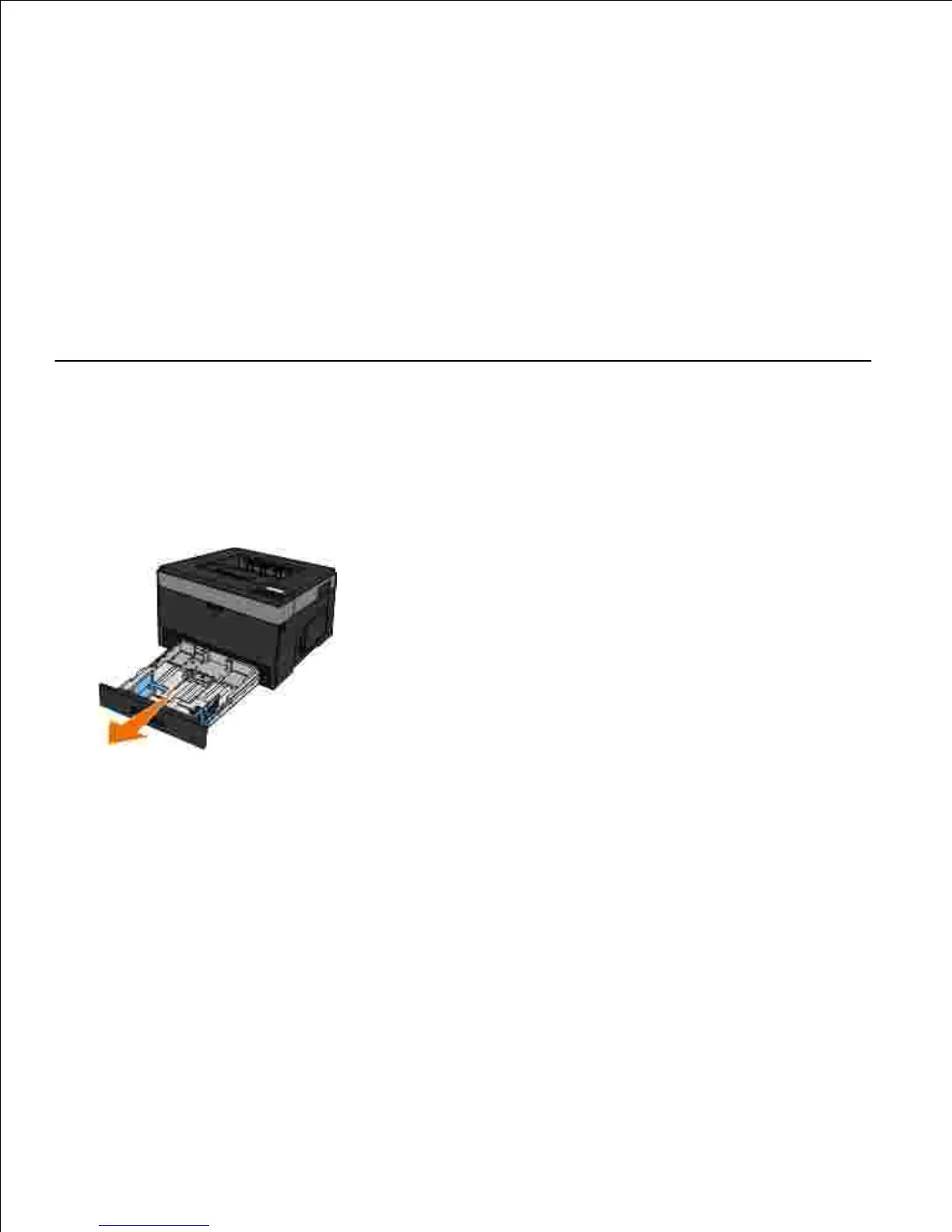
Remove the tray.1.
If you are loading legal or folio-size paper, you must adjust the paper tray to accommodate the larger
paper.
Press down on the latch at the back of the tray.a.
Expand the tray until the extender locks into place.b.
2.












 To Next Page