Using Your Projector 29
Using the On-Screen Display
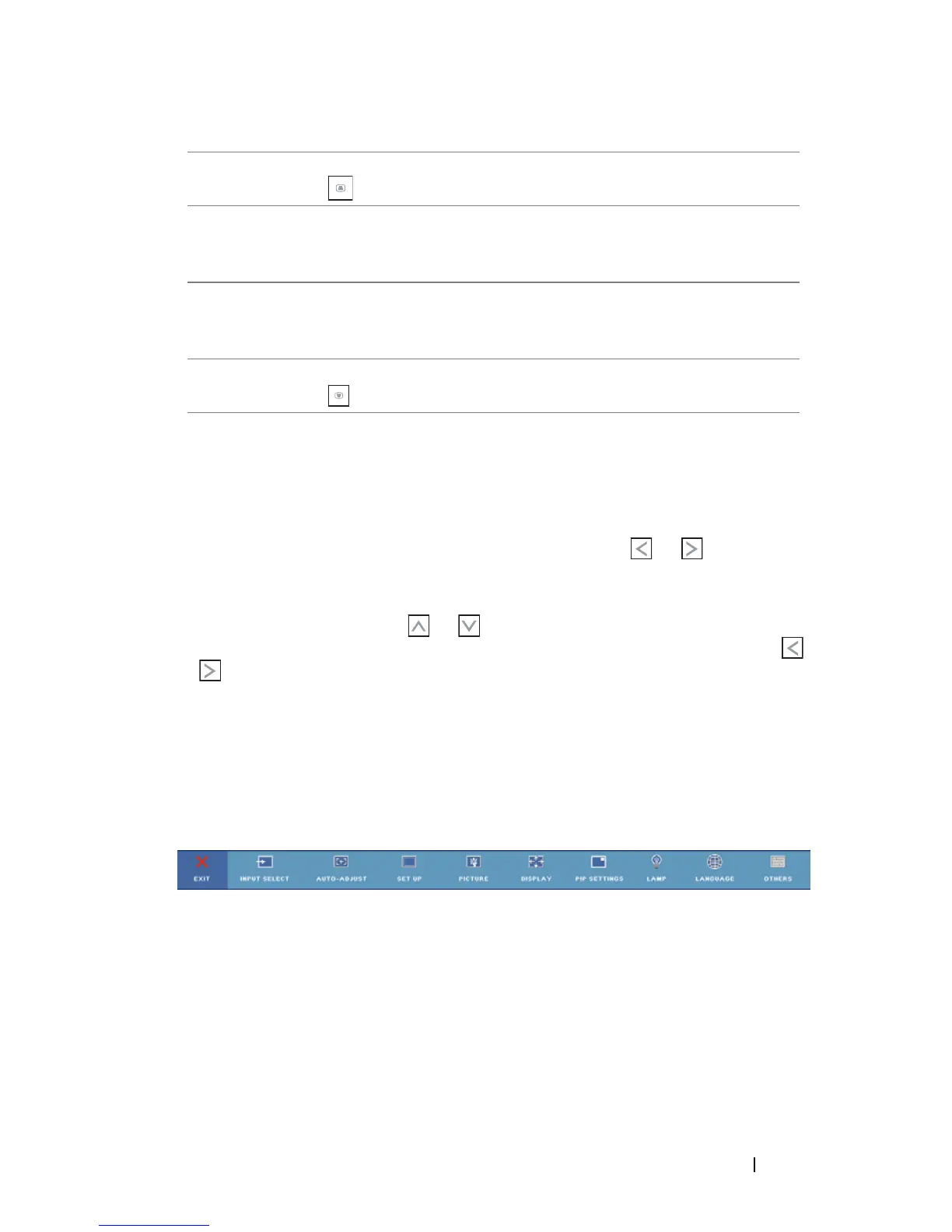
The projector has a multi-language On-Screen Display (OSD) that can be
displayed with or without an input source present.
To navigate through the tabs in the Main menu, press the or buttons on
your projector’s control panel or remote control. To select a submenu, press the
Enter button on your projector’s control panel or remote control.
To select an option, press the or on your projector’s control panel or
remote control. When an item is selected, the color changes to dark blue. Use
or on the control panel or remote control to adjust the settings.
To go back to the Main menu, go to the Back tab and press the Enter button on
the control panel or the remote control.
To exit the OSD, go to the EXIT tab and press the Enter button or press the
Menu button directly on the control panel or the remote control.
Main Menu
INPUT SELECT
The Input Select menu allows you to select your projector’s input source.
17 Keystone
adjustment
Press to adjust image distortion caused by tilting
the projector. (±30 degrees)
18 Source Press to switch between Digital RGB, Analog
RGB, Composite, S-video and Component
sources.
19 Auto adjust Press to synchronize the projector to the input
source. Auto adjust does not operate if the OSD
(On-Screen Display) is displayed.
20 Keystone
adjustment
Press to adjust image distortion caused by tilting
the projector. (±30 degrees)



 To Next Page