Using Your Projector 37
PIP SETTINGS
NOTE: When swapping the foreground and background displays, the smallest
screen size of foreground display will vary depending on the different
combinations of signal sources for PIP.
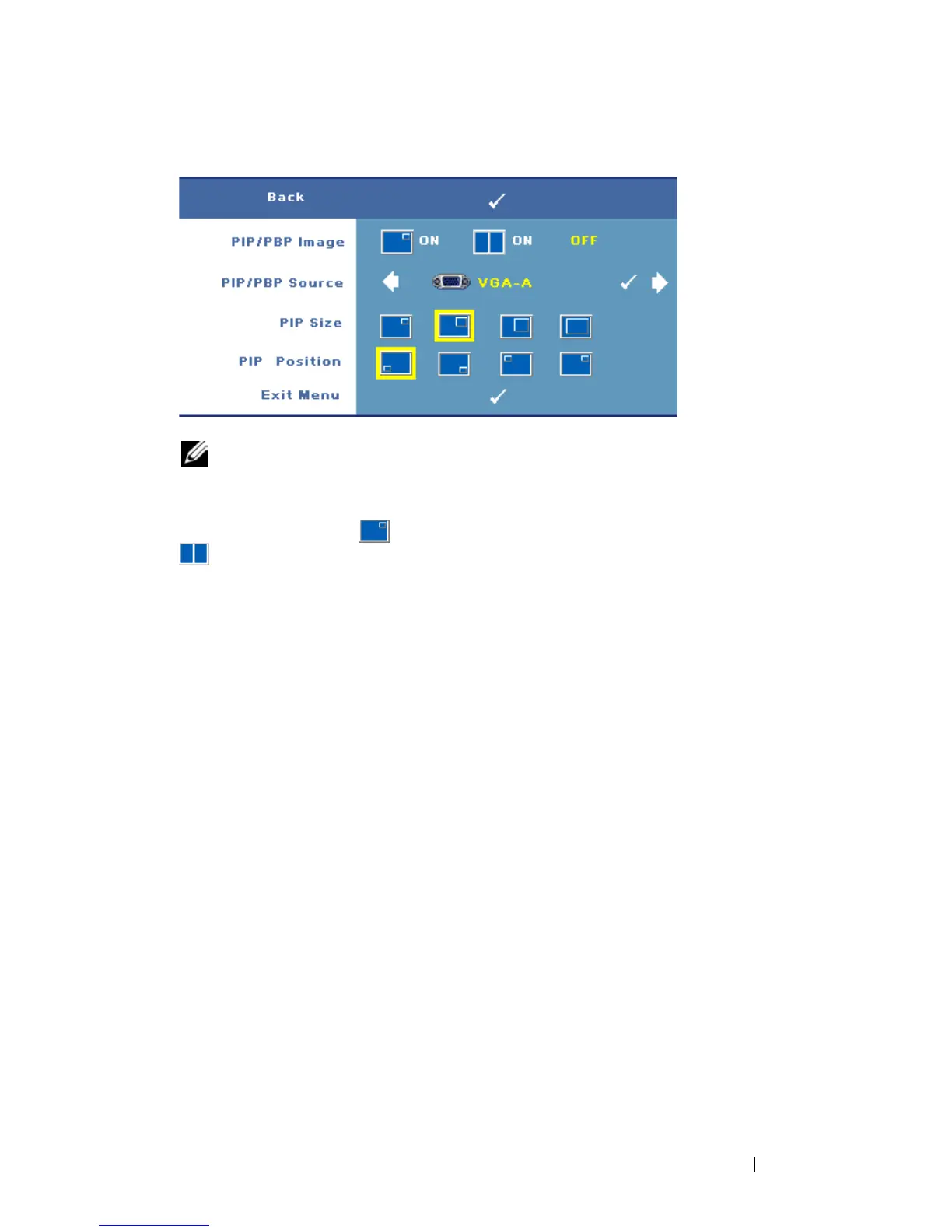
PIP/PBP I
MAGE—Select On to enable the picture-in-picture display; select
On to enable the picture-by-picture display. Select Off to disable the
function.
PIP/PBP S
OURCE—The possible PIP/PBP source is available in the OSD selection
depending on the current primary input source. To see the possible combination
of the sources, refer to page 54.
PIP S
IZE—Adjusts the image size of the PIP display.
PIP P
OSITION—Changes the PIP position to the four different corners of the display.



 To Next Page