10 │ Using the headset
Adjusting the volume
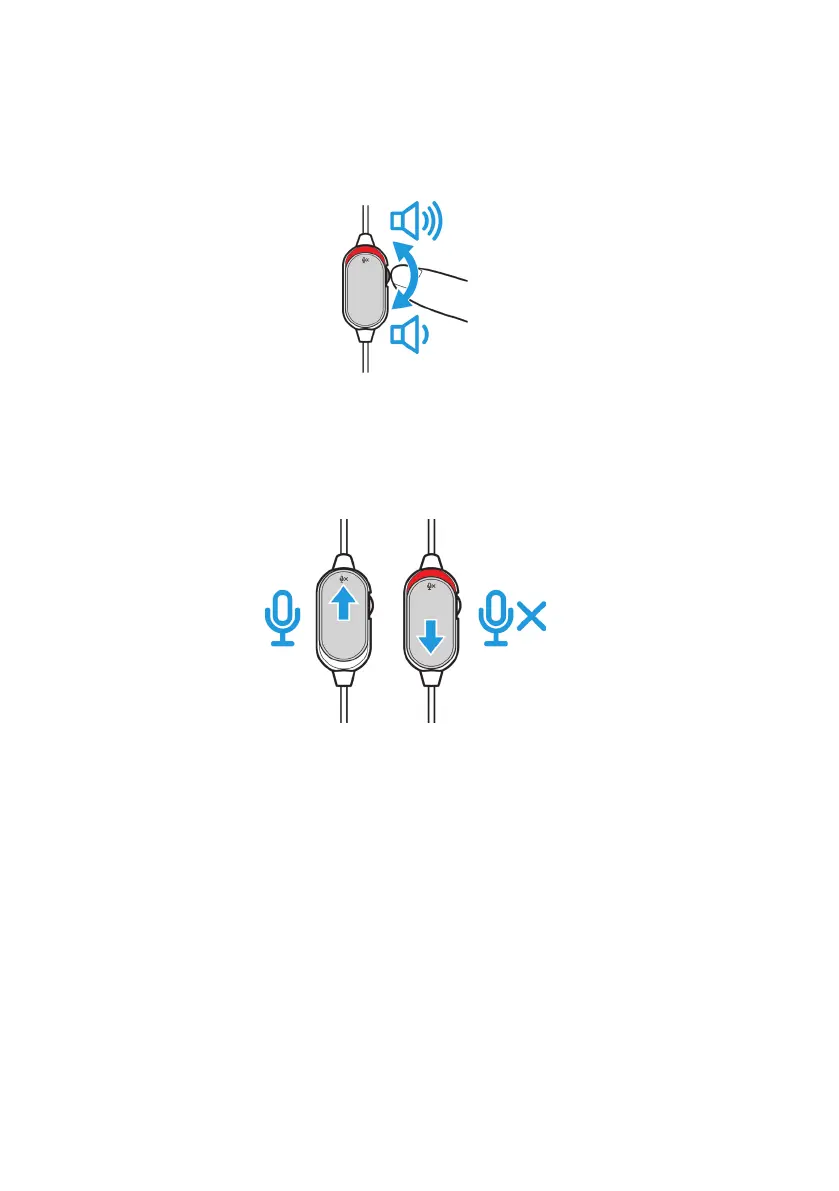
Use the volume control wheel on the audio cable to adjust the speaker volume.
Scroll the volume control wheel up to increase the volume, or down to decrease
the volume.
Muting/unmuting the microphone
Slide the microphone mute switch on the audio cable down to mute the
microphone. To unmute the microphone, slide the microphone mute switch up.



 To Next Page