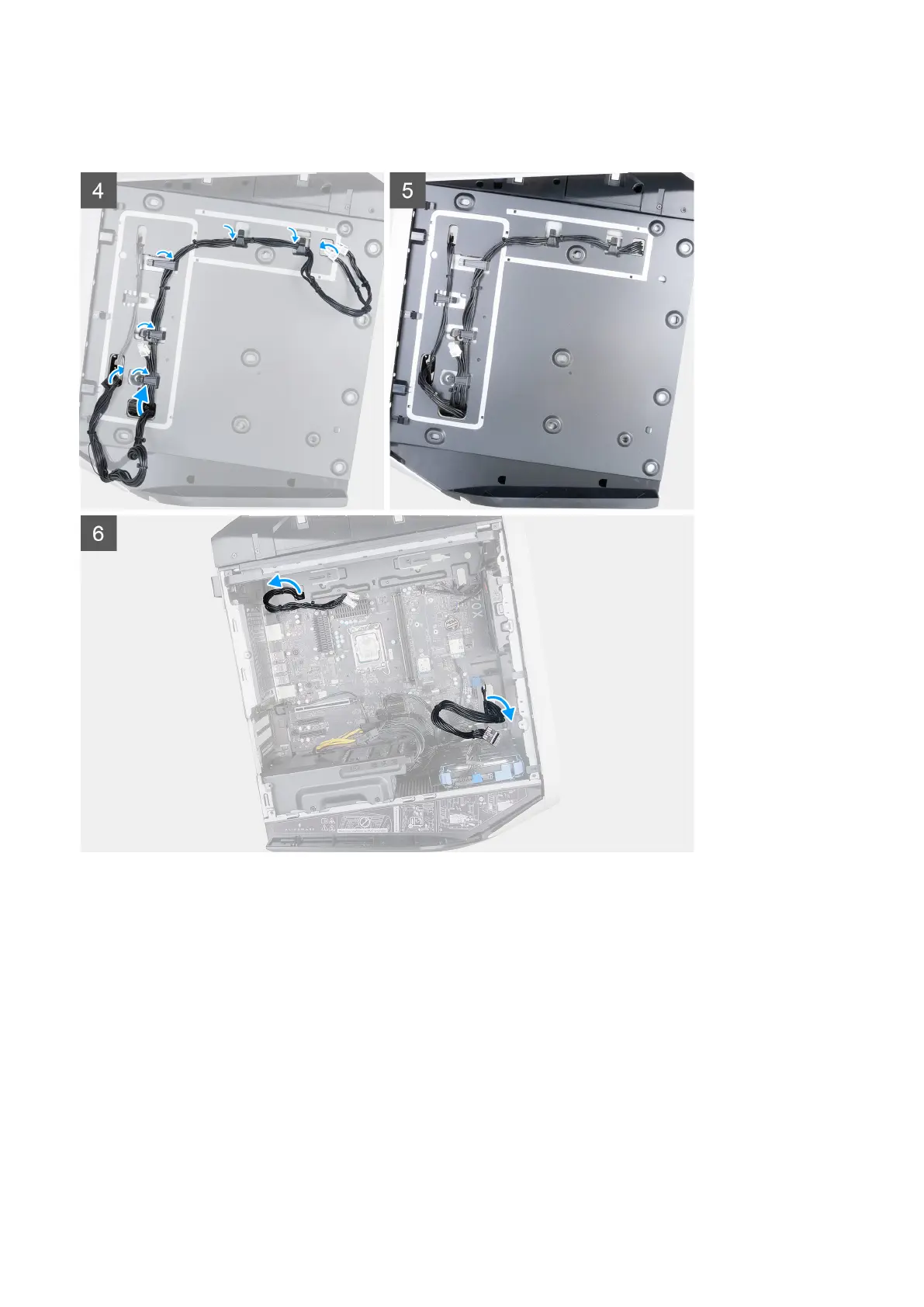
9. Connect the power-supply cables to the system board.
10. Connect the graphics-card power cables to the power-supply unit.
11. Place the computer in an upright position.
12. Route the power-supply unit cables through the slot on the right side of the computer.
13. Connect the power-supply unit cables to the power-supply unit extension cables on the right side of the computer.
Removing and installing components
43











 To Next Page