21
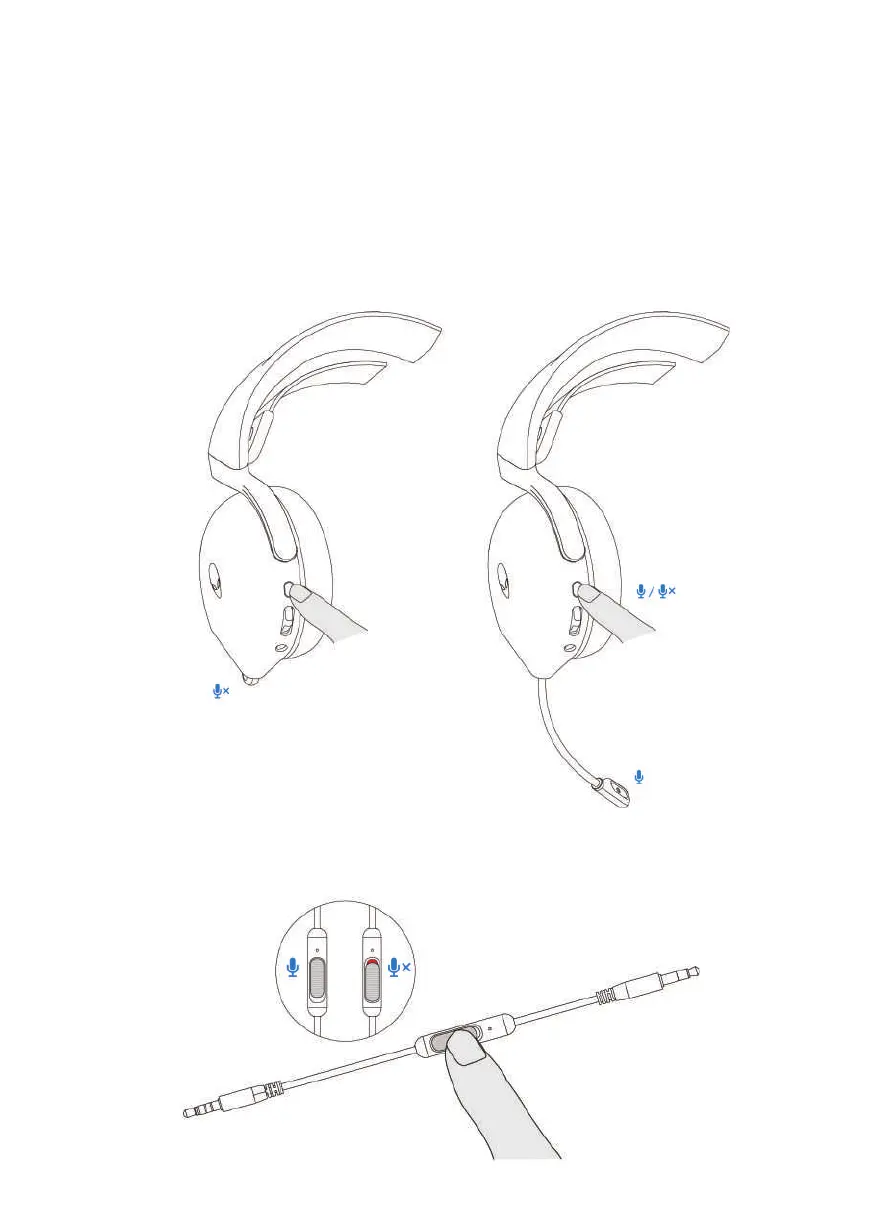
Muting/unmuting the microphone
W
hen the boom microphone is retracted back to the headset, the microphone will
be muted and the mic mute button on the left ear cup will not respond. When the
boom microphone is pulled out, user can mute and unmute the microphone by
pressing mic mute button, and the mic mute LED lights up red when the
microphone is muted.
Alternatively, use the mute slider on the 3.5 mm inline audio cable to mute or
unmute the microphone when the inline audio cable is connected.



 To Next Page