16
CHAPTER 2: GETTING TO KNOW YOUR LAPTOP
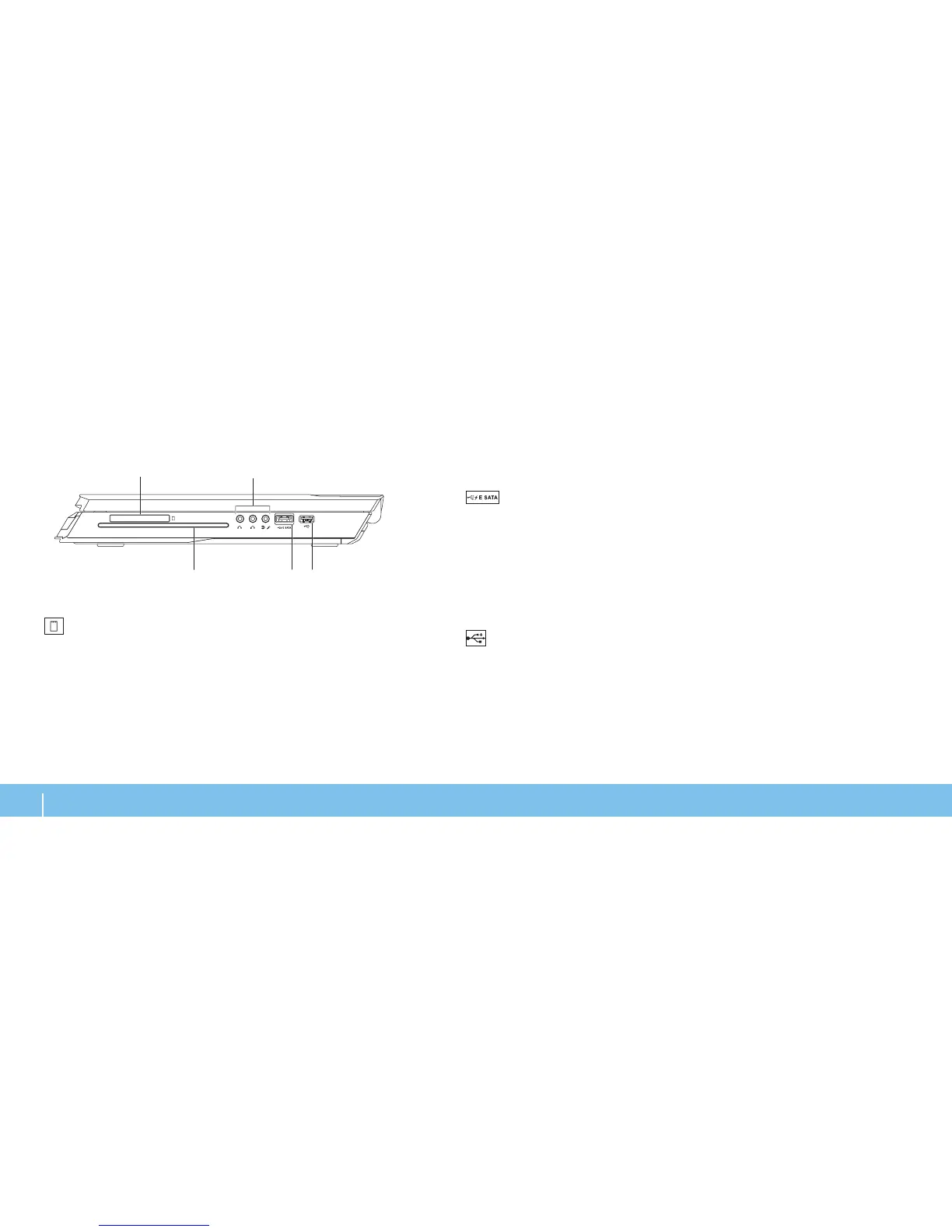
3 Optical drive — Plays or records only standard-size (12 cm) CDs, DVDs, and
Blu-ray Discs (optional). Ensure that the side with print or writing is facing
upward when inserting discs. For more information, see “Using the Optical
Drive “ on page 33.
4
USB/eSATA combo connector with USB PowerShare — Connects to
eSATA compatible storage devices (such as external hard drives or optical
drives) or USB devices (such as a mouse, keyboard, printer, external drive,
or MP3 player).
e USB Powershare feature allows you to charge USB devices when the
computer is turned o or in standby mode. If you turn o your computer
while charging a USB device, the device will stop charging. To continue
charging, disconnect the USB device and connect it again.
NOTE: Certain USB devices may not charge when the computer is turned
o or in standby mode. In such cases turn on the computer to charge the
device.
5
USB connector — Connects to USB devices, such as a mouse,
keyboard, printer, external drive, or MP3 player.
Right View Features
1
ExpressCard slot — Provides support for additional memory, wired
and wireless communications, multimedia, and security features. e slot
supports 54 mm Express cards.
NOTE: e ExpressCard slot is designed only for ExpressCards. e slot
does NOT support PC Cards.
2 Audio connectors (3) — Connects to speakers, headphones, and
microphone.
NOTE: For information on audio connectors, see “Connecting External
Speakers” on page 27.












 To Next Page