45
CHAPTER 5: INSTALLING ADDITIONAL OR REPLACEMENT COMPONENTS
Upgrading or Replacing Memory
Your laptop is equipped with a congurable memory unit. e industry standard
JEDEC PC3-8500/PC3-10600 (DDR3) SODIMM memory module connectors are
available for memory upgrade. e table below illustrates all the possible ways
system memory can be congured.
Memory connector #1 Memory connector #2 Total Memory
1 GB 1 GB 2 GB
2 GB 1 GB 3 GB
1 GB 2 GB 3 GB
2 GB 2 GB 4 GB
4 GB 4 GB 8 GB
Removing the Memory Module(s)
Follow the instructions in “Before You Begin” on page 1. 42.
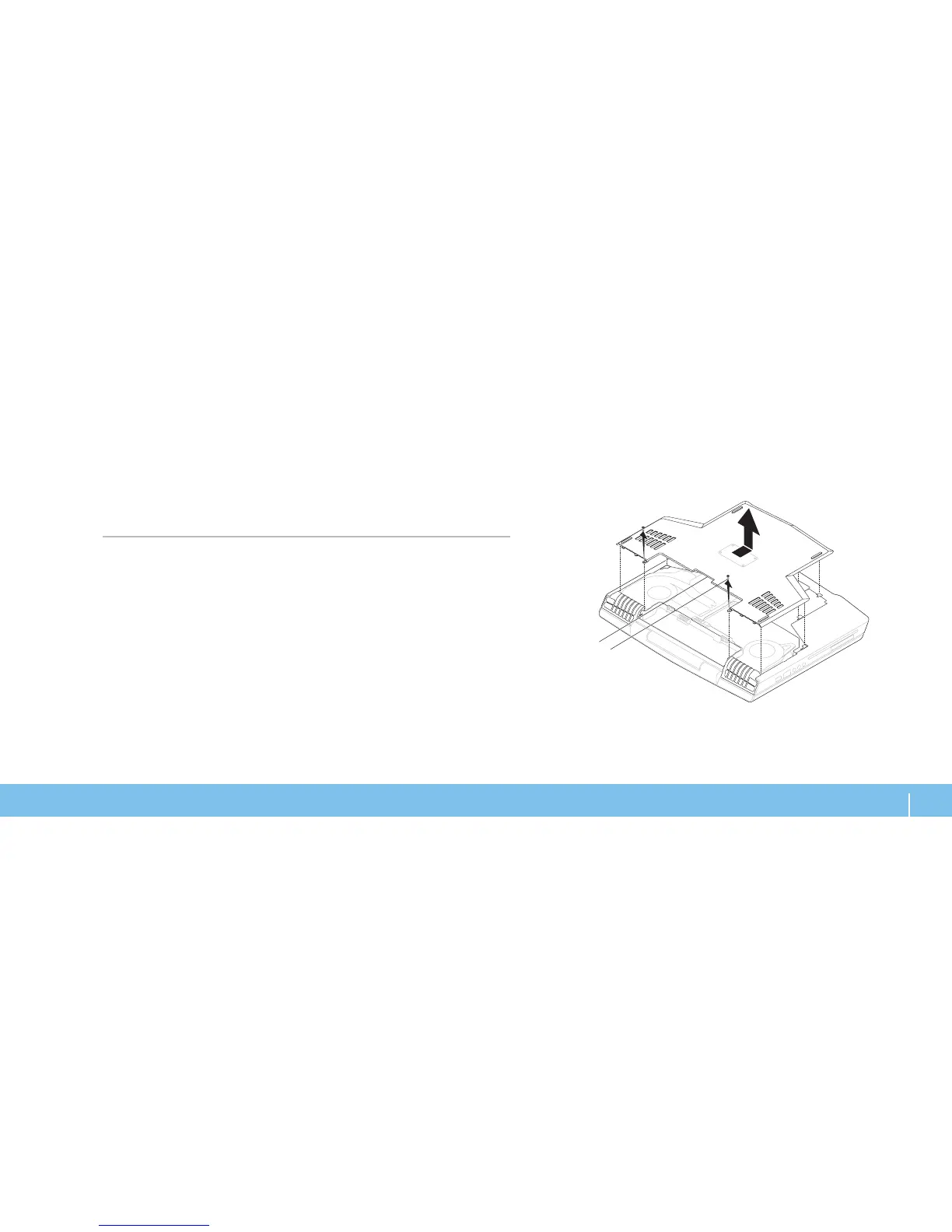
Loosen the two screws and remove the compartment door.2.












 To Next Page