27
CHAPTER 3: CONNECTING DEVICES
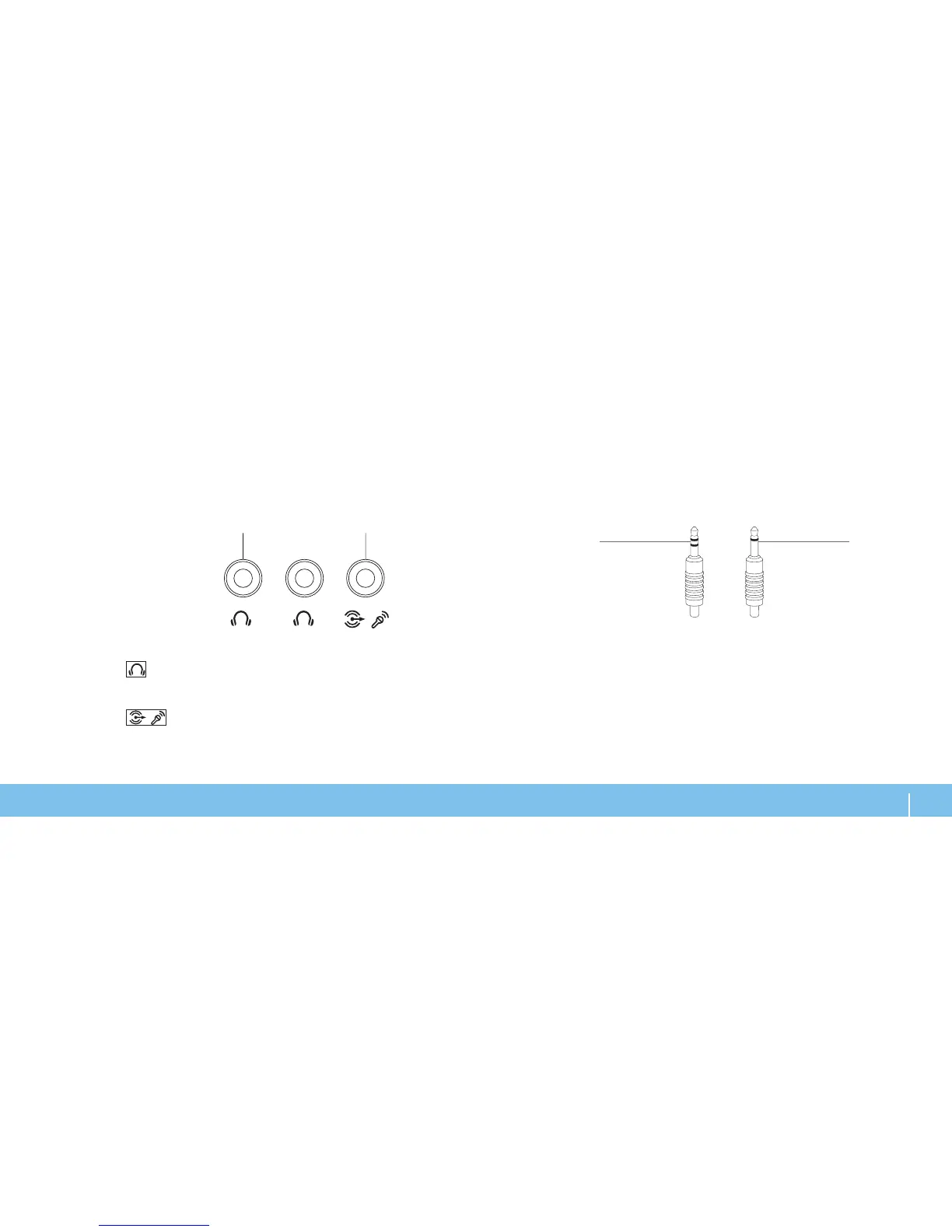
Two types of audio connectors:
1 stereo jack — Your headphone jack should have this type of connector
2 mono jack — Your microphone should have this type of connector
Connecting External Speakers
Your Alienware laptop has two integrated audio out connectors and one audio
in connector. e audio out connectors deliver quality sound and support
5.1 surround audio. You can connect the audio input connector from a home
stereo or speaker system for a heightened gaming and media experience.
1
Audio out/Headphone connectors (2) — Connects to one or two pairs
of headphones, or sends audio to a powered speaker or sound system. e
audio signal is the same for both connectors.
2
Audio in/Microphone connector — Connects to a microphone or
inputs signal for use with audio programs.
Also functions as an output connector in a 5.1 surround sound speaker
setup.












 To Next Page