15
echnical Documentation\Dell Headset\User Guide\4-75x4-
75section2_prep.fm
DELL CONFIDENTIAL – PRELIMINARY 2/15/07 – FOR PROOF ONLY
Template Last Updated - 10/13/2005
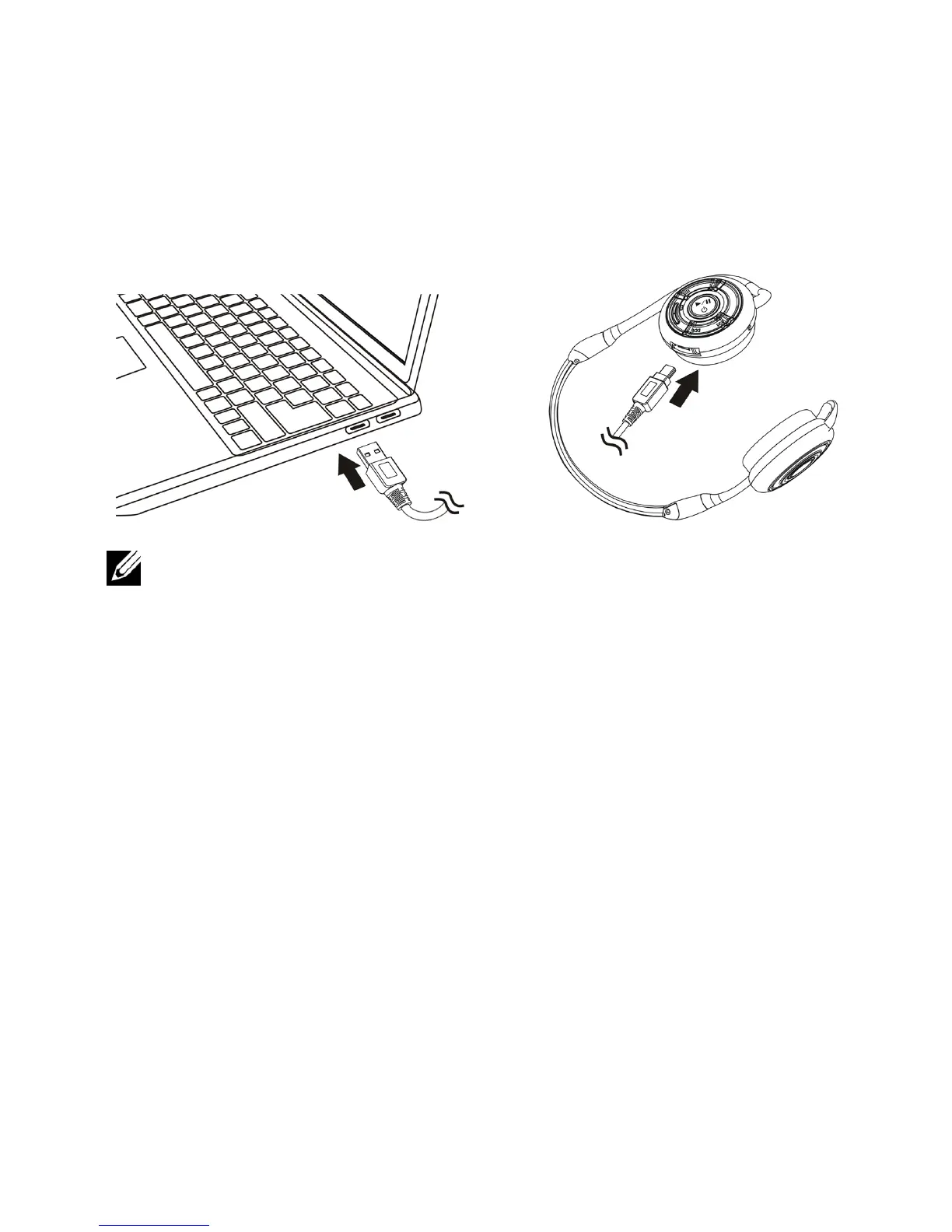
NOTE: Charge the headset for approximately 3 hours. The Power
LED is red when charging and changes to green when charging is
complete.
Switching the Headset On or Off
To switch on:
Press and hold the
Multi-function key
for 3 seconds until the Blue
LED stays on ("DU"-"LO" tone will also sound).
To switch off:
Press and hold the
Multi-function key
for 3 seconds until the Blue
LED goes off (single beep will also sound).



 To Next Page