55
echnical Documentation\Dell Headset\User Guide\4-75x4-
75section3b_computer.fm
DELL CONFIDENTIAL – PRELIMINARY 2/15/07 – FOR PROOF ONLY
Template Last Updated - 10/13/2005
6
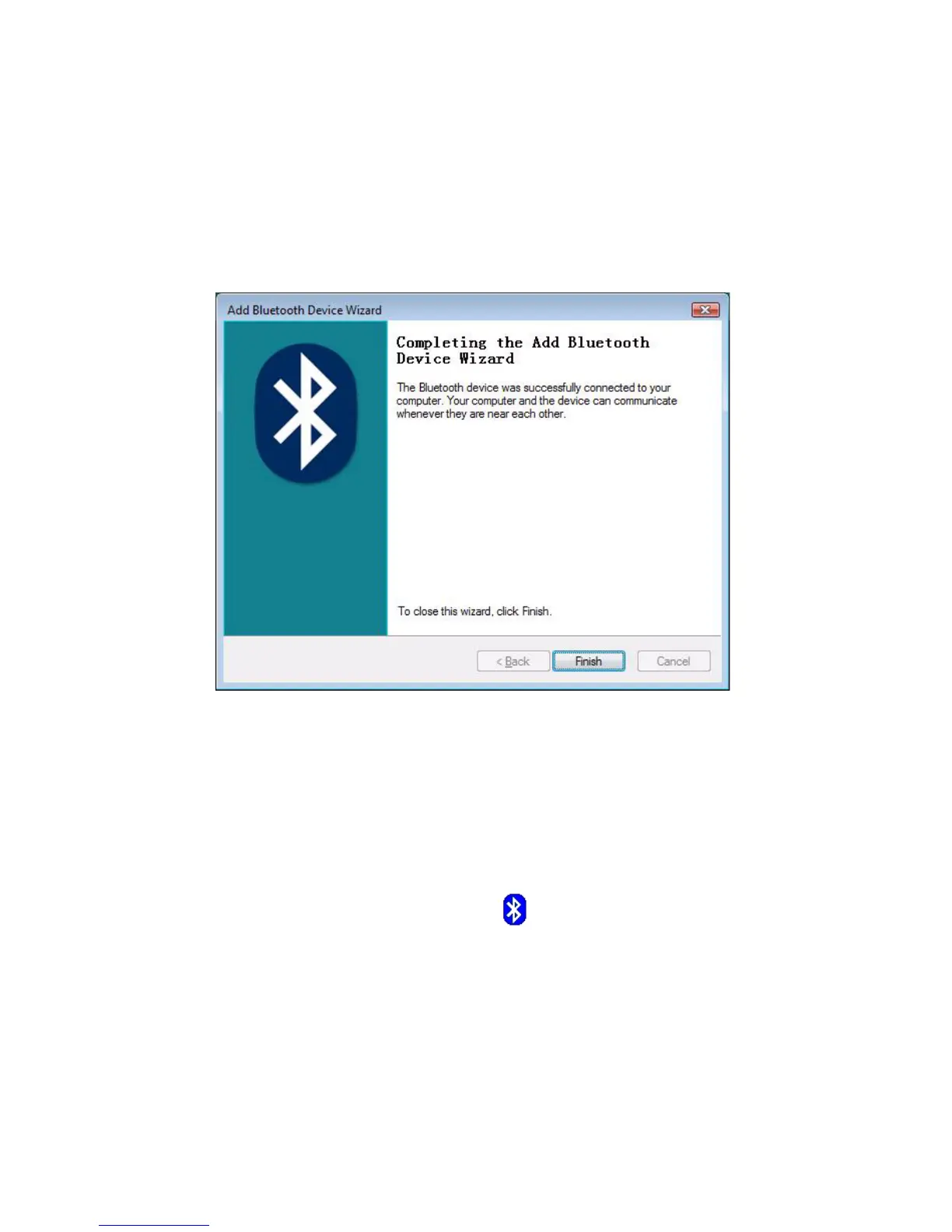
Click
Finish
.
Connecting with your Computer
Using the Widcomm Bluetooth Application
1
Right-click on Bluetooth icon (in taskbar), and choose
Show Bluetooth Devices
.



 To Next Page