19
echnical Documentation\Dell Headset\User Guide\4-75x4-
75section3_computer.fm
DELL CONFIDENTIAL – PRELIMINARY 2/15/07 – FOR PROOF ONLY
Template Last Updated - 10/13/2005
2
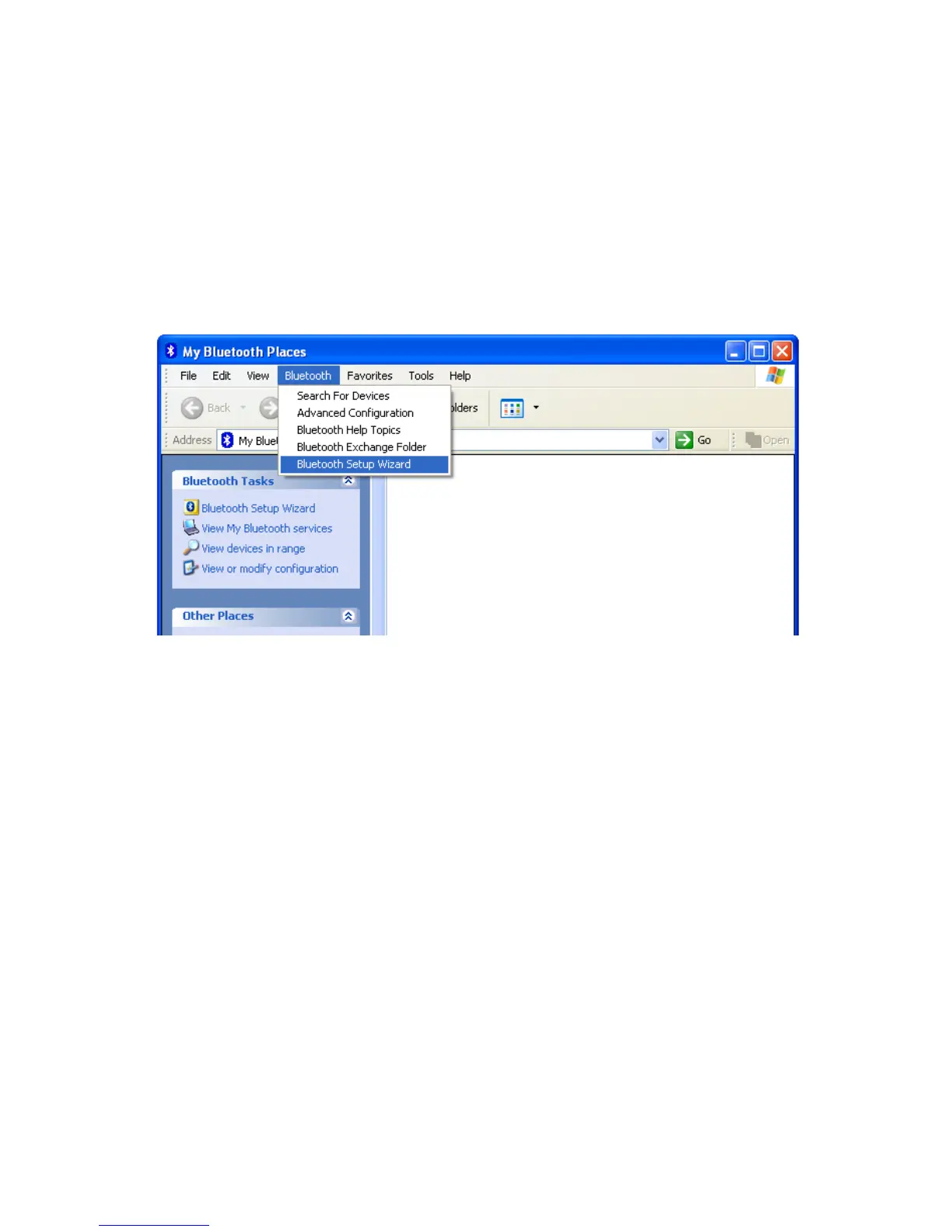
In the window which appears, click
Bluetooth > Bluetooth
Setup Wizard
.
3
The
Bluetooth Setup Wizard
appears. Before you continue,
you need to make sure your headset is discoverable, as follows:
With your headset turned off, press and hold the
Multi-
function key
for 6 seconds until the Blue LED flashes quickly,
which indicates that the headset is in pairing mode.



 To Next Page