23
echnical Documentation\Dell Headset\User Guide\4-75x4-
75section3_computer.fm
DELL CONFIDENTIAL – PRELIMINARY 2/15/07 – FOR PROOF ONLY
Template Last Updated - 10/13/2005
7
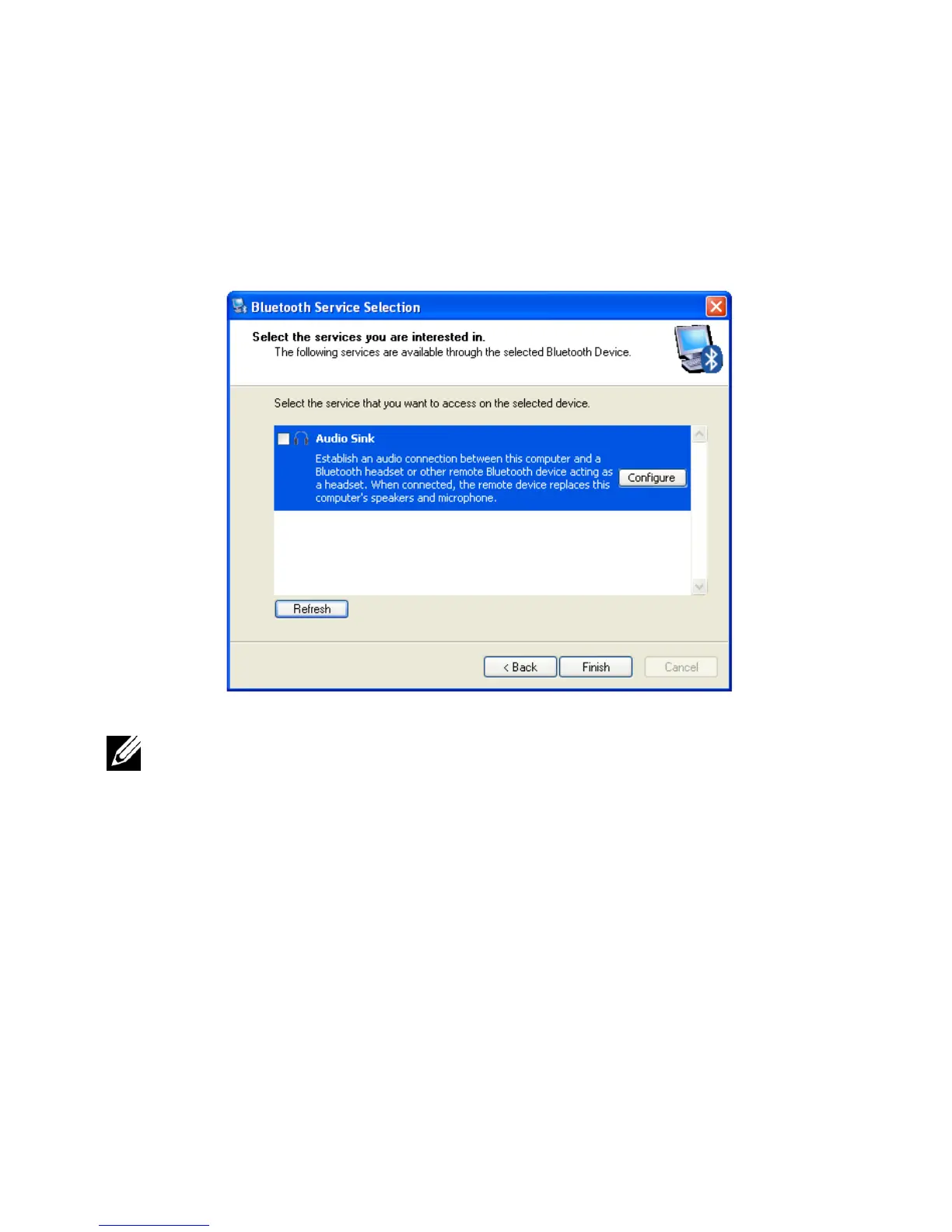
Make sure
Audio Sink
is highlighted, then click
Finish
.
NOTE: By default, the Dell BH200 is installed as stereo headphones.
If you prefer to install the Dell BH200 as a hands-free device, check
the checkbox beside Audio Sink, and then click Configure. In the
window which appears, check Use connection for phone or dictation,
then click OK.



 To Next Page