41
echnical Documentation\Dell Headset\User Guide\4-75x4-
75section3_computer.fm
DELL CONFIDENTIAL – PRELIMINARY 2/15/07 – FOR PROOF ONLY
Template Last Updated - 10/13/2005
4
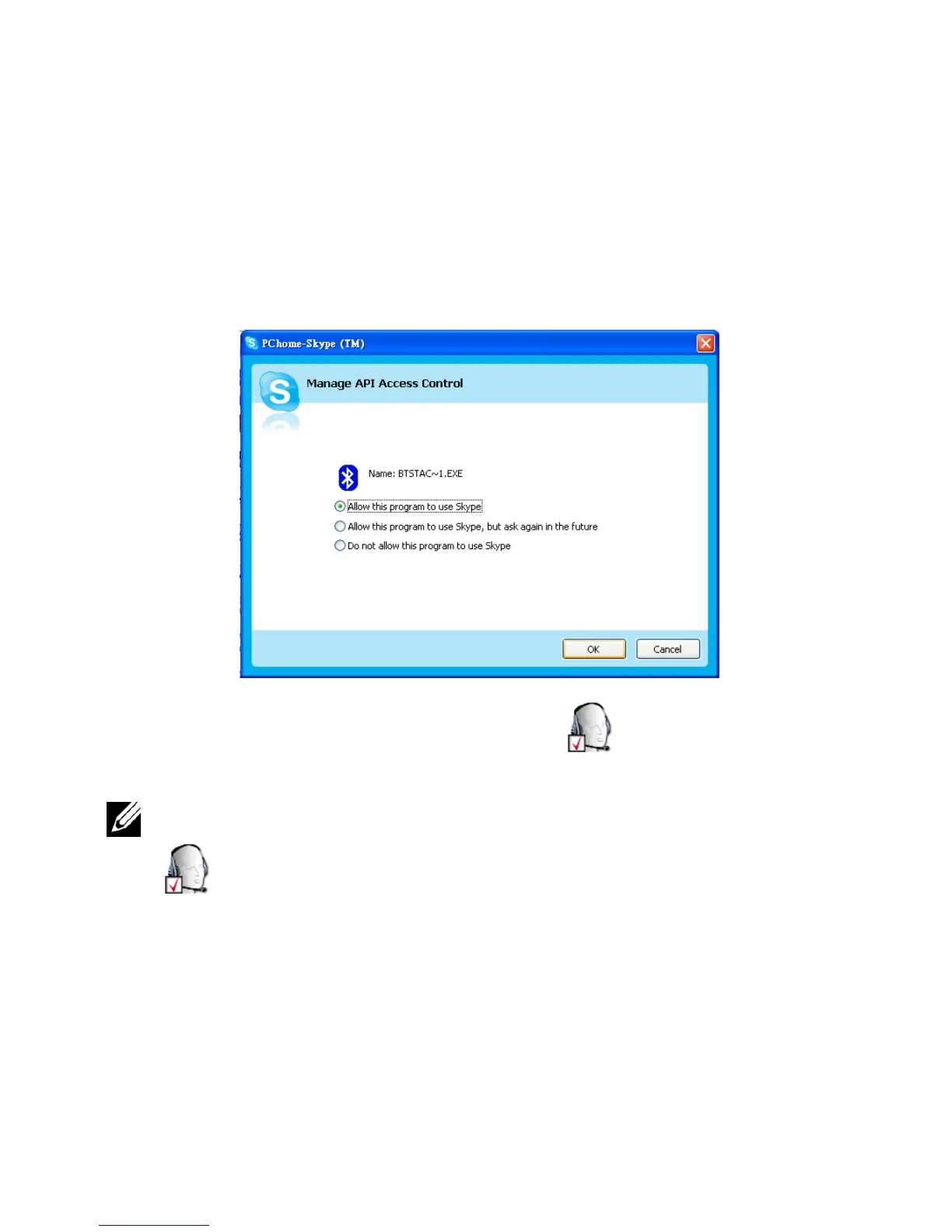
Make sure the
Allow this program to use SKYPE
radio box is
checked (see following image).
5
In
My Bluetooth Places
, right-click
DELL BH200
and
select
Connect Hands-free
.
NOTE: To listen to music while waiting for a VoIP call, right-click
DELL BH200 in My Bluetooth Places, and select Connect Stereo
Headphones.



 To Next Page