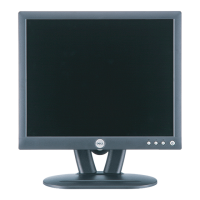
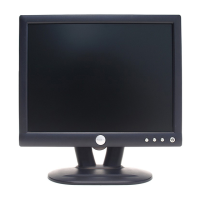
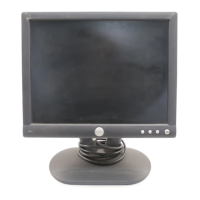
DELL E152FPc
36
Max Brightness measurement:
a. Switch to the full white pattern, in user mode main menu:
1. Set <Color Settings> Red, Green, and Blue to the max.
2. Set <Brightness> Brightness, Contrast to the max.
b. The Minimum brightness is 200cd/m
2
±20
.
10. EDIT CONTENT
D-SUB Connector (Analog)
00 01 02 03 04 05 06 07 08 09 10 11 12 13 14 15
00: 00 FF FF FF FF FF FF 00 10 AC 09 A0 44 43 42 41
16: 32 0D 01 03 68 1E 17 78 2E B0 30 A1 58 4F 95 26
32: 1C 50 54 AF CE 00 01 01 01 01 01 01 01 01 01 01
48: 01 01 01 01 01 01 64 19 00 40 41 00 26 30 18 88
64: 36 00 30 E4 10 00 00 18 00 00 00 FF 00 36 34 31
80: 38 30 33 39 39 41 42 43 44 0A 00 00 00 FD 00 38
96: 4C 1E 3F 08 00 0A 20 20 20 20 20 20 00 00 00 FC
112: 00 44 45 4C 4C 20 45 31 35 32 46 50 0A 20 00 36


 To Next Page