Dell E1913S/E1913/E2213 Monitor User's Guide
file:///K|/Dell/E1913/Dell%20E1913(S)%20E2213%20E-DOC%20Source/en/ug/setup.htm[2012-3-19 16:22:02]
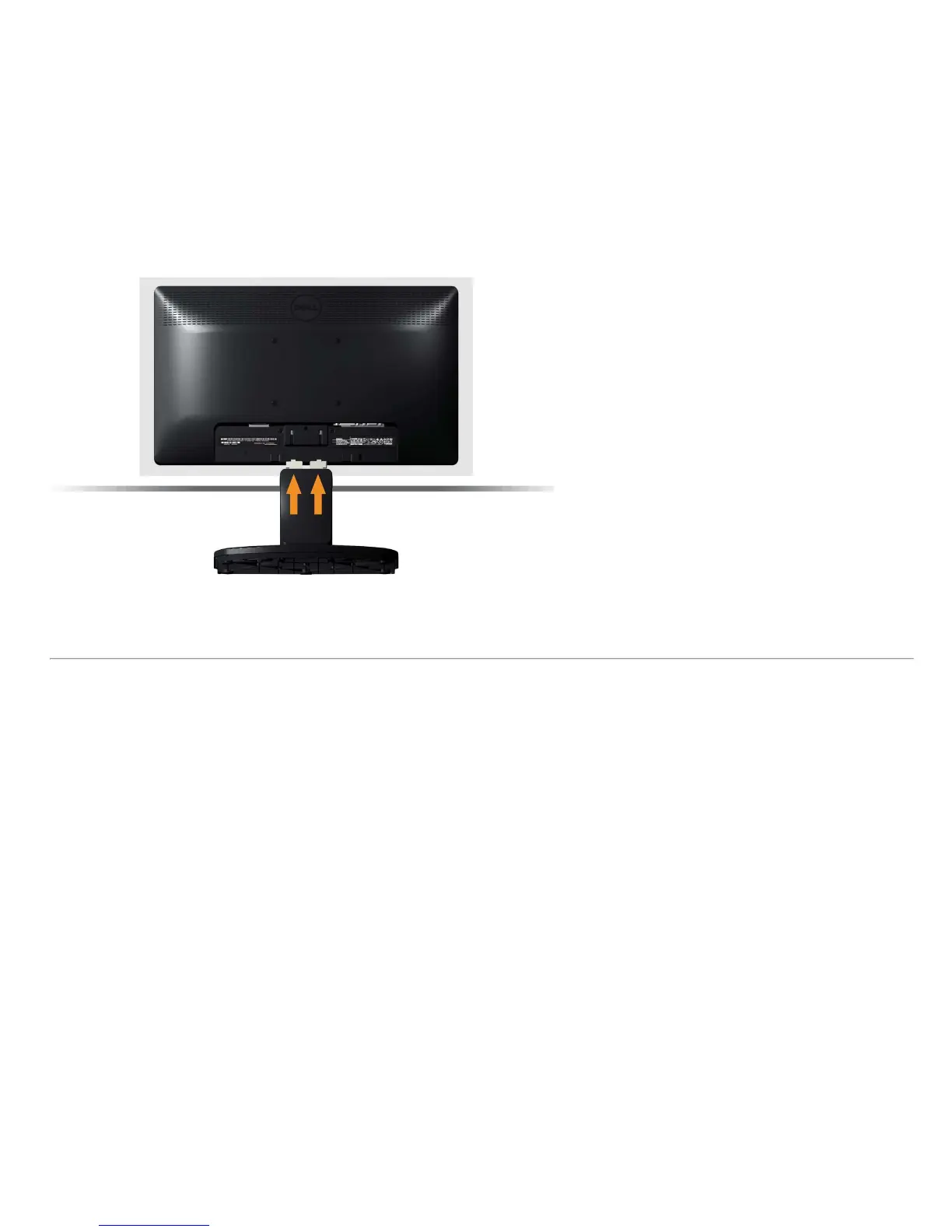
a. Place the monitor on a soft cloth or cushion near the edge of desk.
b. Align the stand assembly bracket to the monitor groove.
c. Insert the bracket towards monitor until it locks in place.
Removing the Monitor Stand for VESA Wall Mount



 To Next Page