About Your Monitor: Dell E1913S/E1913/E2213 Monitor User's Guide
file:///K|/Dell/E1913/Dell%20E1913(S)%20E2213%20E-DOC%20Source/en/ug/about.htm[2012-3-19 16:21:58]
Identifying Parts and Controls
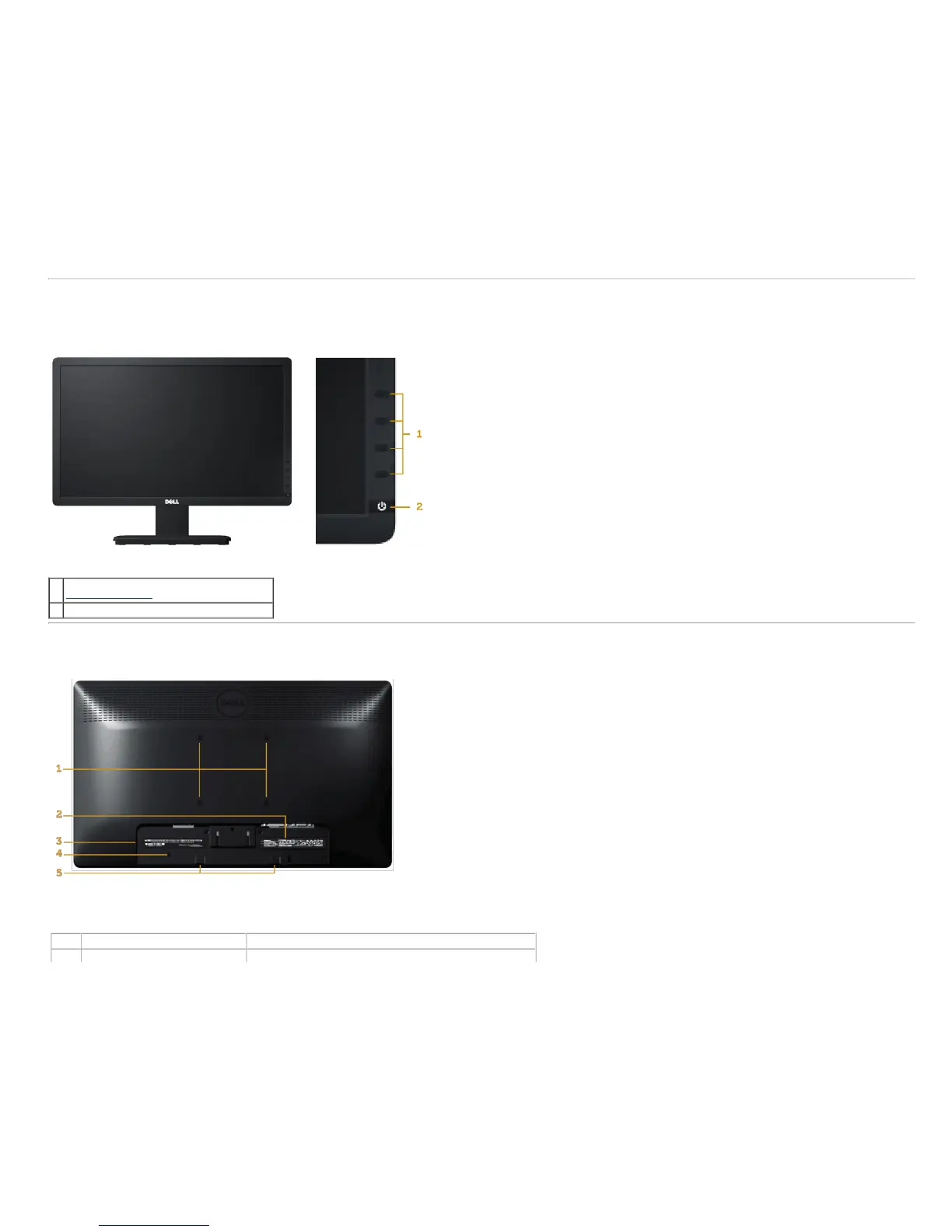
Front View
1.
Function buttons (For more information, see
Operating the Monitor
)
2. Power On/Off button (with LED indicator)
Back View
Label Description Use
1 VESA mounting holes (100 mm) To mount the monitor.



 To Next Page