Dell E1913S/E1913/E2213 Monitor User's Guide
file:///K|/Dell/E1913/Dell%20E1913(S)%20E2213%20E-DOC%20Source/en/ug/operate.htm[2012-3-19 16:22:04]
Shortcut Key 2 User can select from "Preset Modes", "Brightness/Contrast", "Auto Adjust", "Input Source"(for E1913 and E2213 only), "Aspect Ratio" (for
E1913 and E2213 only) and set as shortcut key.
Reset Personalize Allows you to restore shortcut key to the default setting.
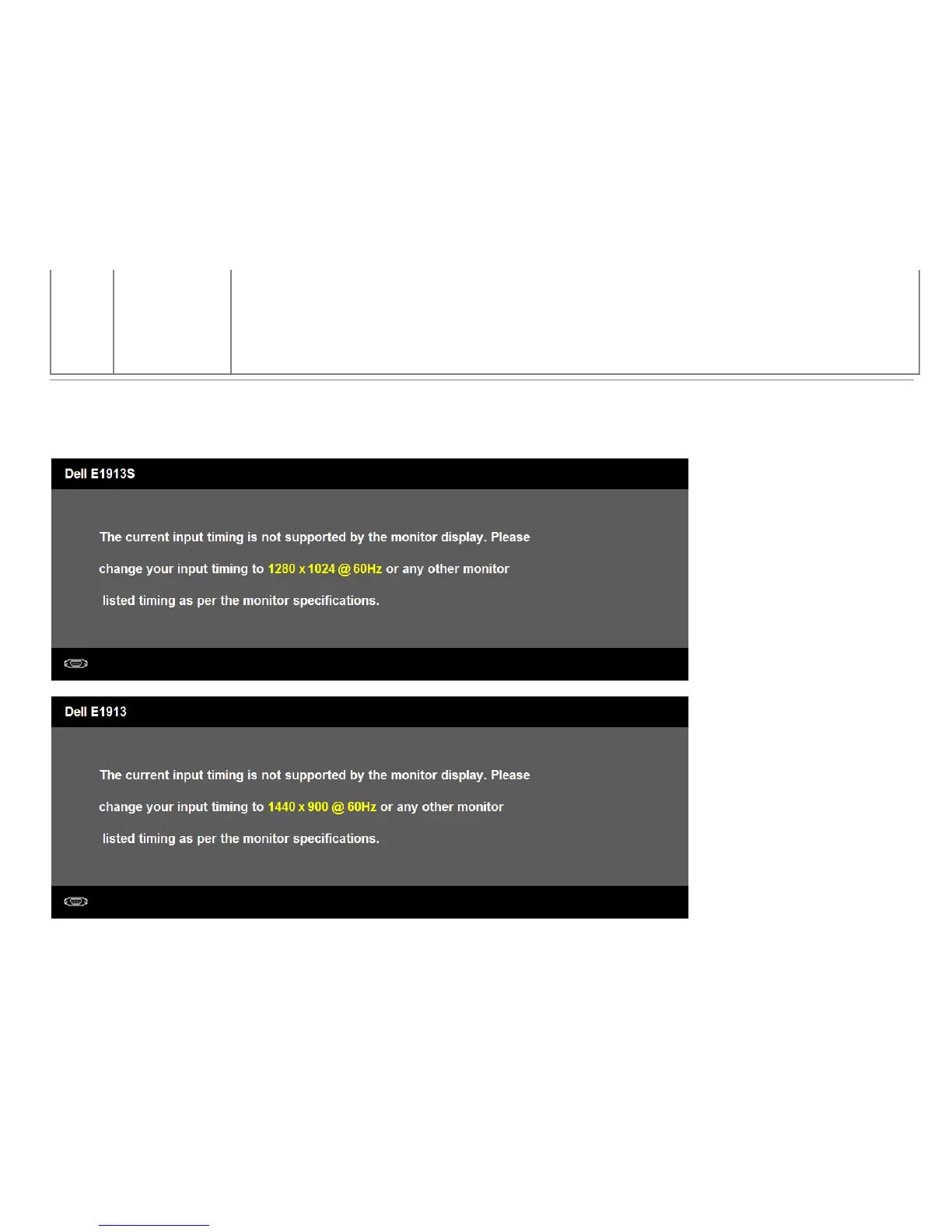
OSD Messages
When the monitor does not support a particular resolution mode you will see the following message:
E1913S:
E1913:
E2213:



 To Next Page