About Your Monitor: Dell E1913S/E1913/E2213 Monitor User's Guide
file:///K|/Dell/E1913/Dell%20E1913(S)%20E2213%20E-DOC%20Source/en/ug/about.htm[2012-3-19 16:21:58]
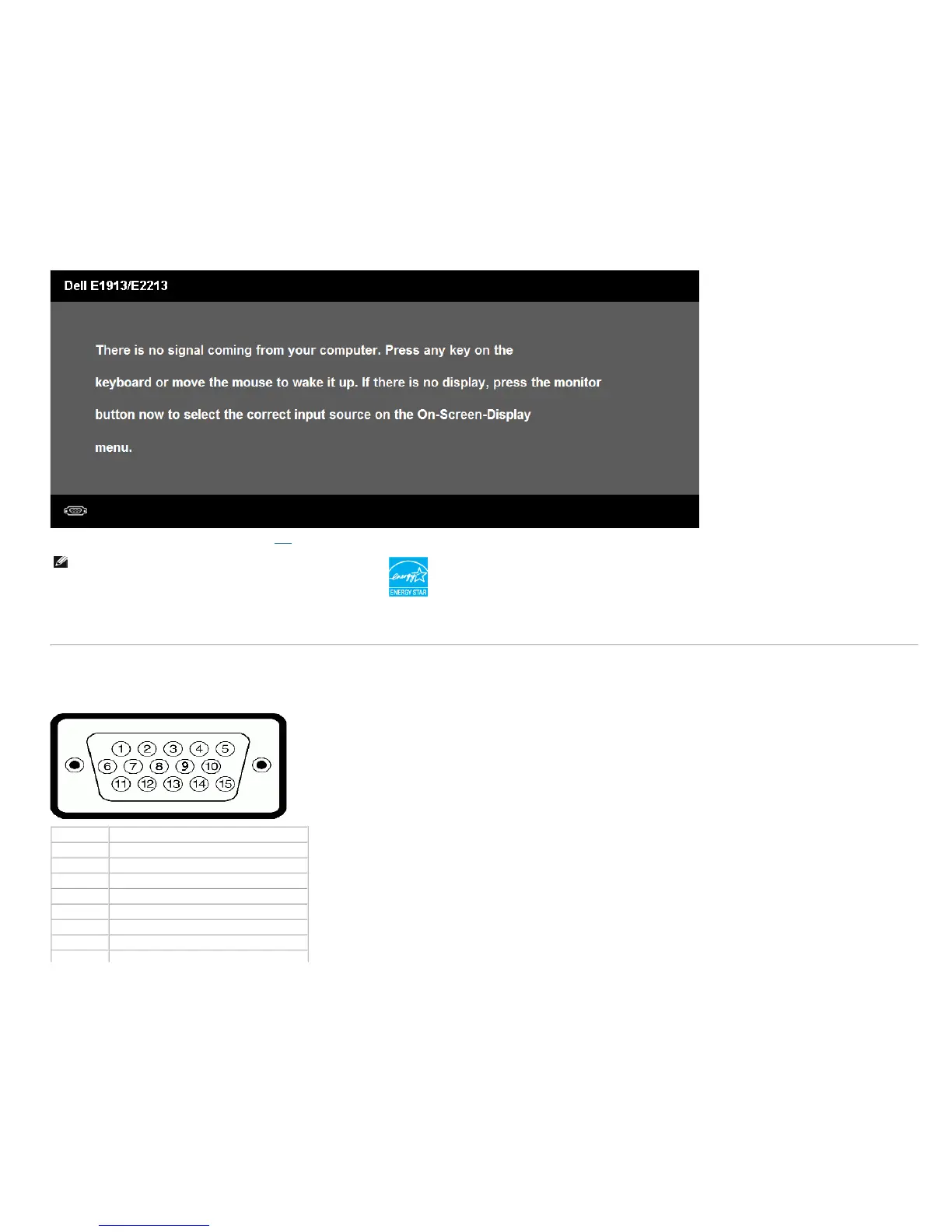
Activate the computer and monitor to gain access to the OSD.
NOTE: Dell E1913S/E1913/E2213 monitor is ENERGY STAR®-
compliance.
* Zero power consumption in OFF mode can only be achieved by disconnecting the main cable from the monitor.
** Maximum power consumption with max luminance and contrast.
Pin Assignments
15-pin D-Sub connector
Pin Number Monitor Side of the 15-pin Side Signal Cable
1 Video-Red
2 Video-Green
3 Video-Blue
4 GND
5 Self-test
6 GND-R
7 GND-G
8 GND-B



 To Next Page