Dell E1913S/E1913/E2213 Monitor User's Guide
file:///K|/Dell/E1913/Dell%20E1913(S)%20E2213%20E-DOC%20Source/en/ug/operate.htm[2012-3-19 16:22:04]
Auto Adjustment allows the monitor to self-adjust to the incoming video signal. After using Auto Adjustment, you can further tune your
monitor by using the Pixel Clock (Coarse) and Phase (Fine) controls under Display Settings.
NOTE: Auto Adjust option is only available when you are using an analog (VGA) connector.
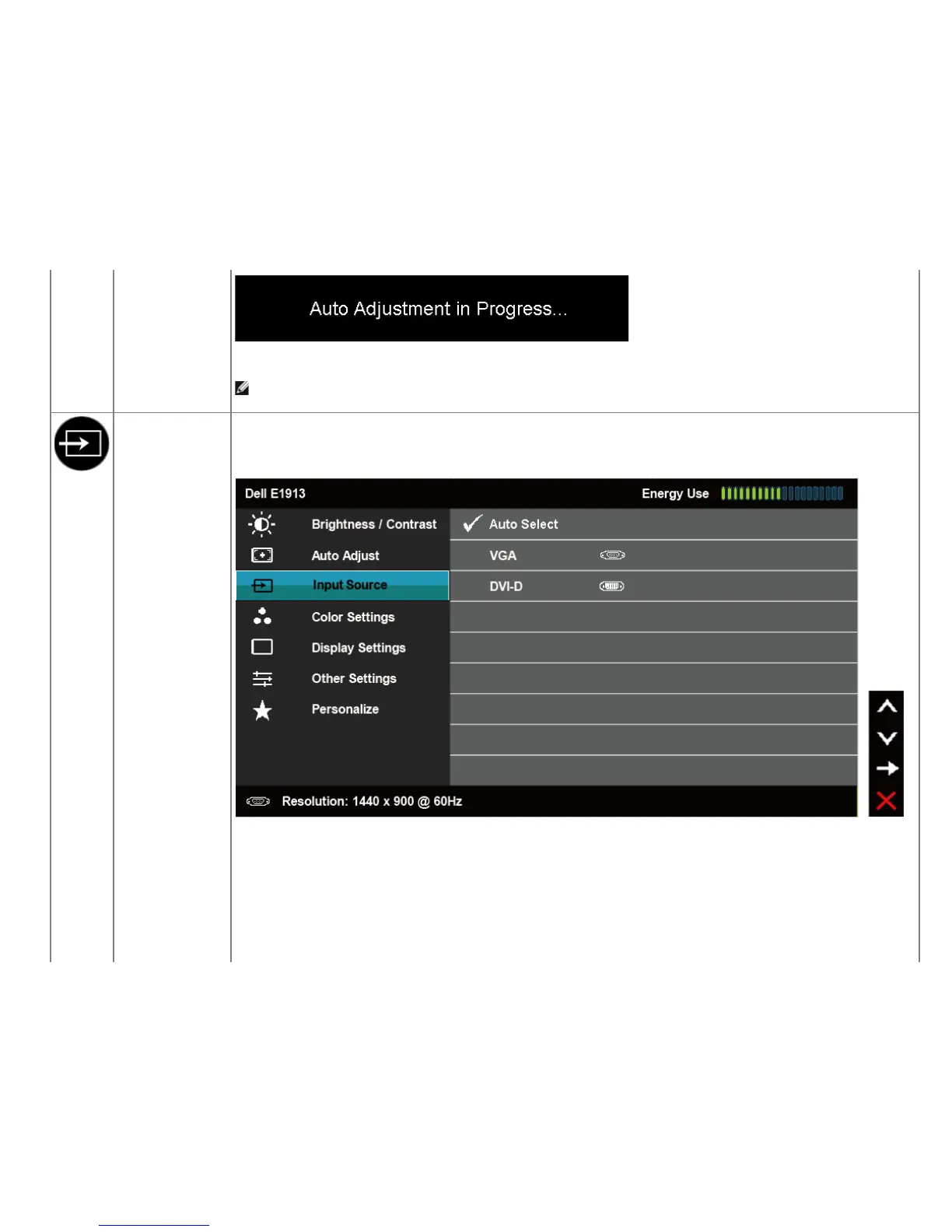
Input Source (for
E1913 and E2213
only)
Use the Input Source menu to select between different video signals that may be connected to your monitor.



 To Next Page