Dell E1913S/E1913/E2213 Monitor User's Guide
file:///K|/Dell/E1913/Dell%20E1913(S)%20E2213%20E-DOC%20Source/en/ug/operate.htm[2012-3-19 16:22:04]
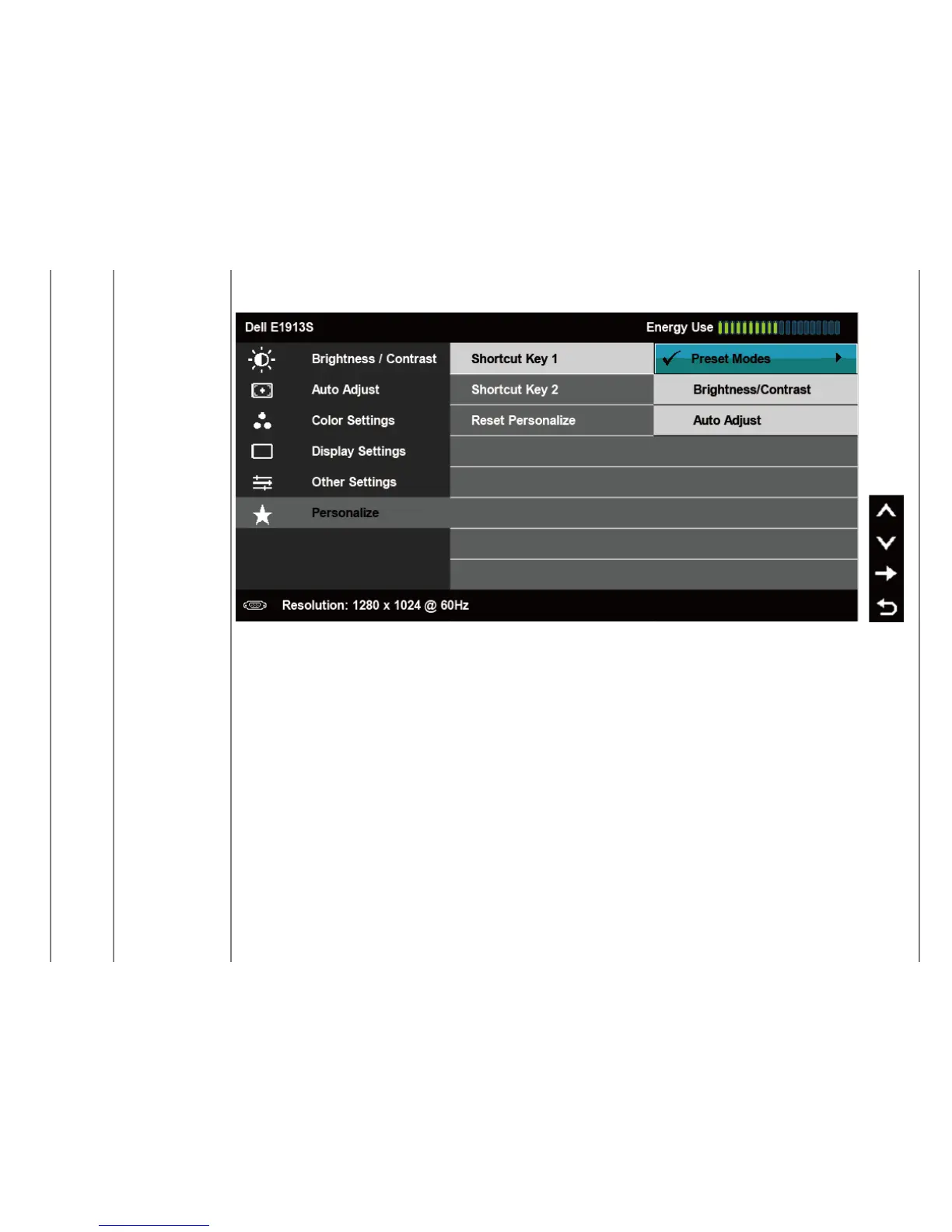
Shortcut Key 1 User can select from "Preset Modes", "Brightness/Contrast", "Auto Adjust", "Input Source" (for E1913 and E2213 only), "Aspect Ratio" (for
E1913 and E2213 only) and set as shortcut Key.



 To Next Page