12 About Your Monitor
• E2715H: TCO Certified Displays.
• E2015HV/E2215HV: Surpports VGA.
• E2715H: Surpports VGA, DVI-D, Displayport 1.2.
• Energy Gauge shows the energy level being consumed by the monitor
in real time.
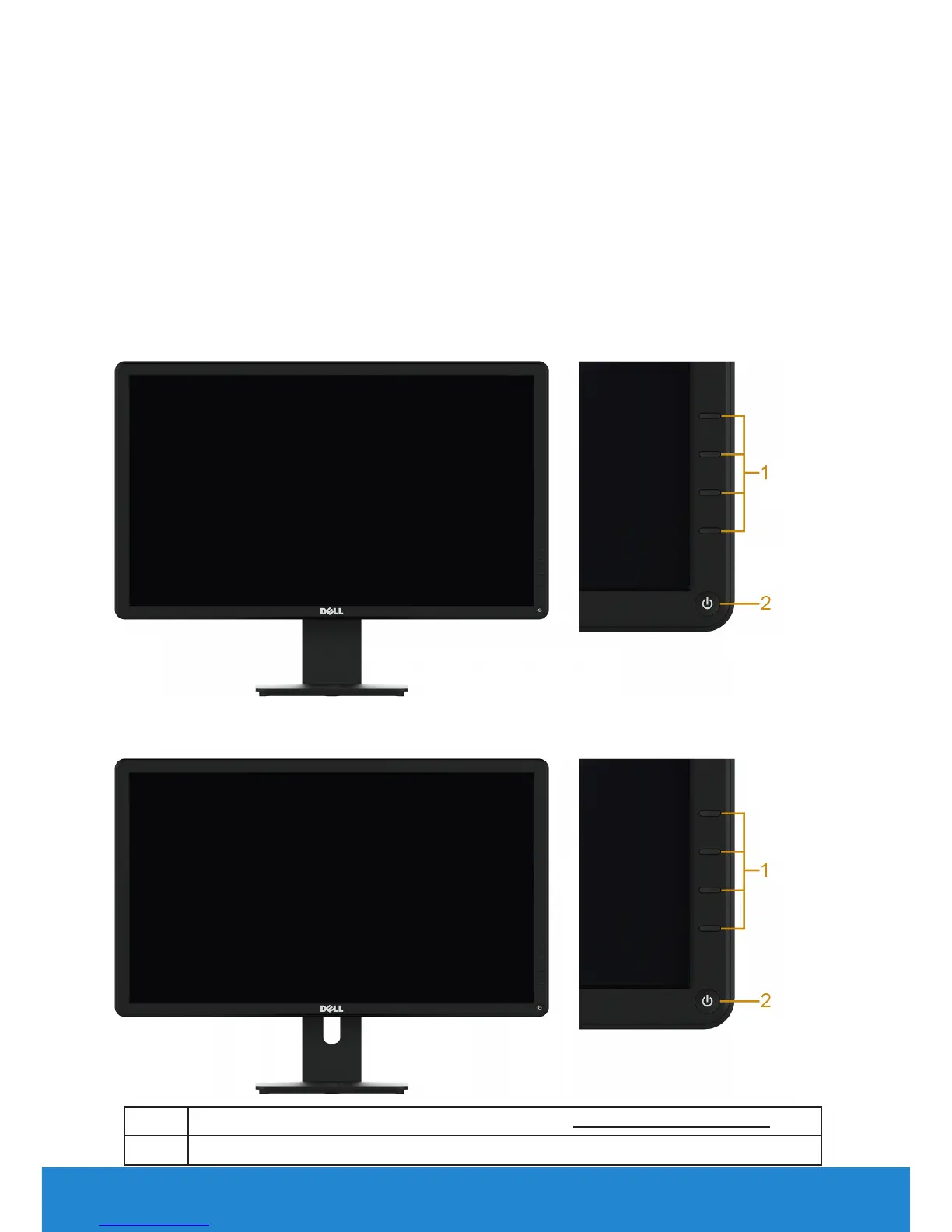
Identifying Parts and Controls
Front View
E2015HV:
E2215HV/E2715H:
1. Function buttons (For more information, see Operating the Monitor)
2 Power On/O button (with LED indicator)



 To Next Page