Operating the Monitor 35
E2715H:
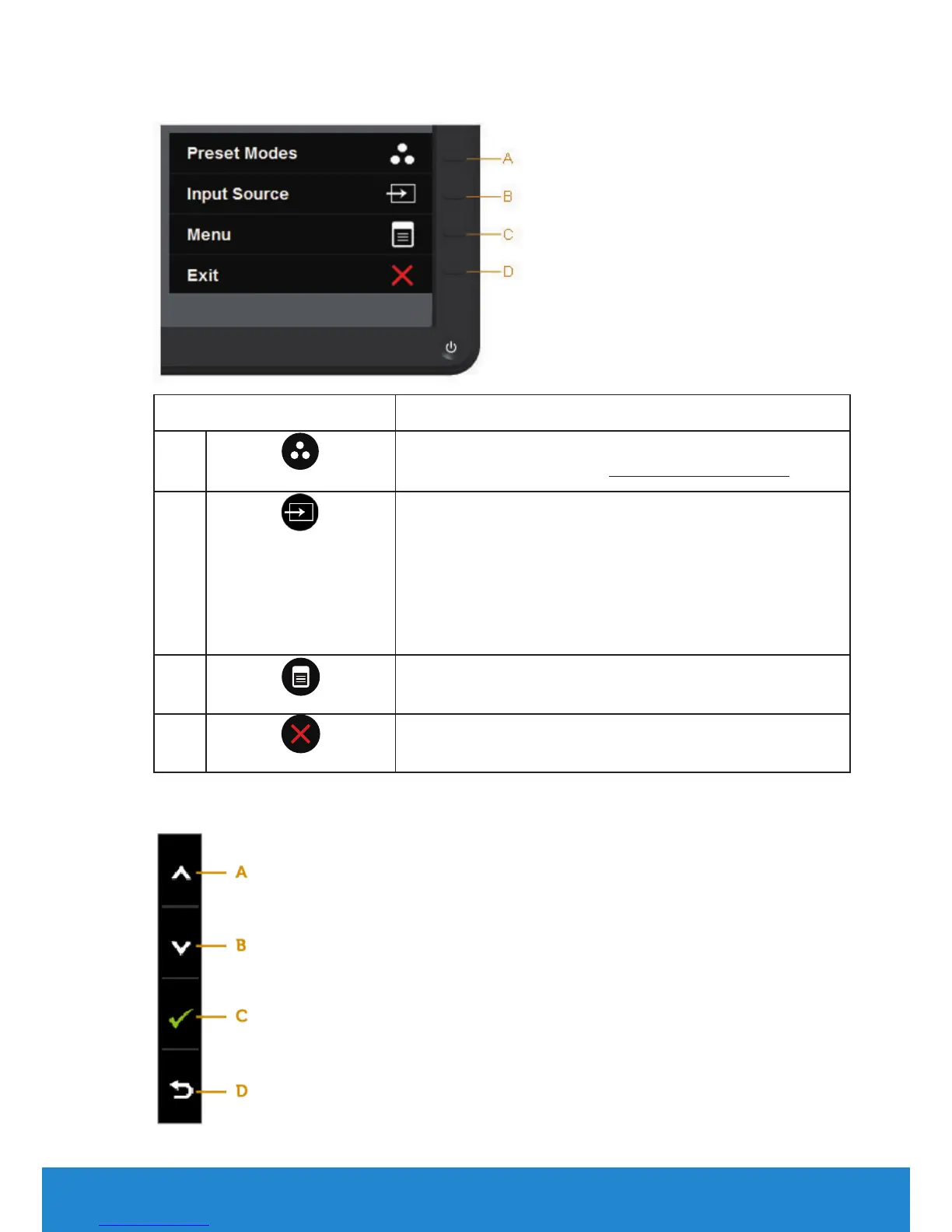
Front-Panel Keys Description
A
Preset modes
Use the Preset modes key to choose from a list of
preset color modes. See Using the OSD Menu.
B
Input Source
Use the Input Source key to select between dierent
video signals that may be connected to your
monitor.
• VGA input
• DVI-D input
• Displayport input
C
Menu
Use the Menu key to open the on-screen display
(OSD).
D
Exit
Use the Exit key to exit on-screen display (OSD)
from menu and sub-menus.
Front-Panel Keys



 To Next Page