Operating the Monitor 53
LCD
Conditioning
This feature will help reduce minor cases of image
retention.
If an image appears to be stuck on the monitor, select LCD
Conditioning to help eliminate any image retention. Using
the LCD Conditioning feature may take some time. LCD
Conditioning feature cannot remove severe cases of image
retention or burn-in.
NOTE: Use LCD Conditioning only when you experience a
problem with image retention.
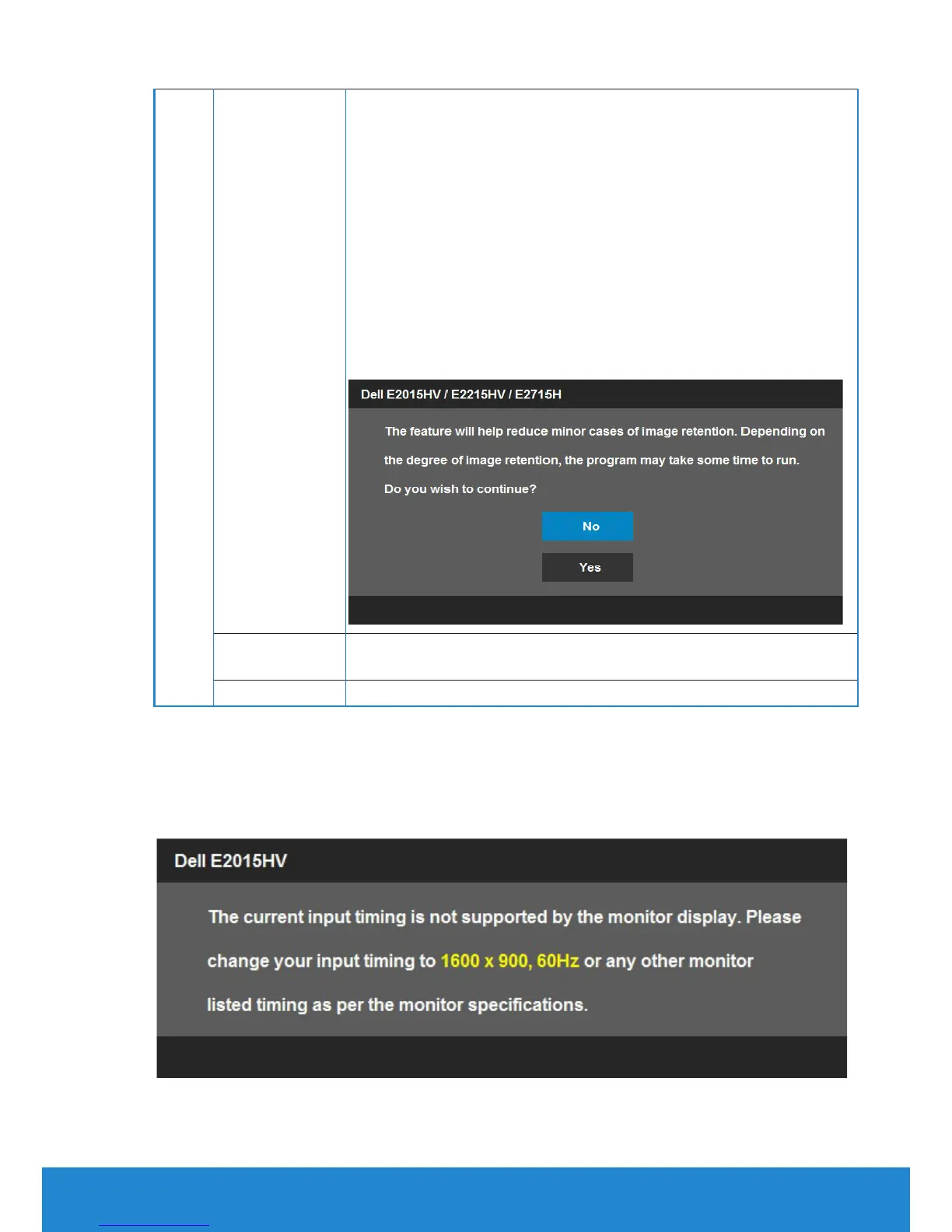
The below warning message appears once user selects
“Enable" LCD Conditioning.
Reset Other
Settings
Select this option to restore default other settings, such as
DDC/CI.
Factory Reset
Resets all OSD settings to the factory preset values.
OSD Messages
When the monitor does not support a particular resolution mode you will
see the following message:



 To Next Page