About Your Monitor 15
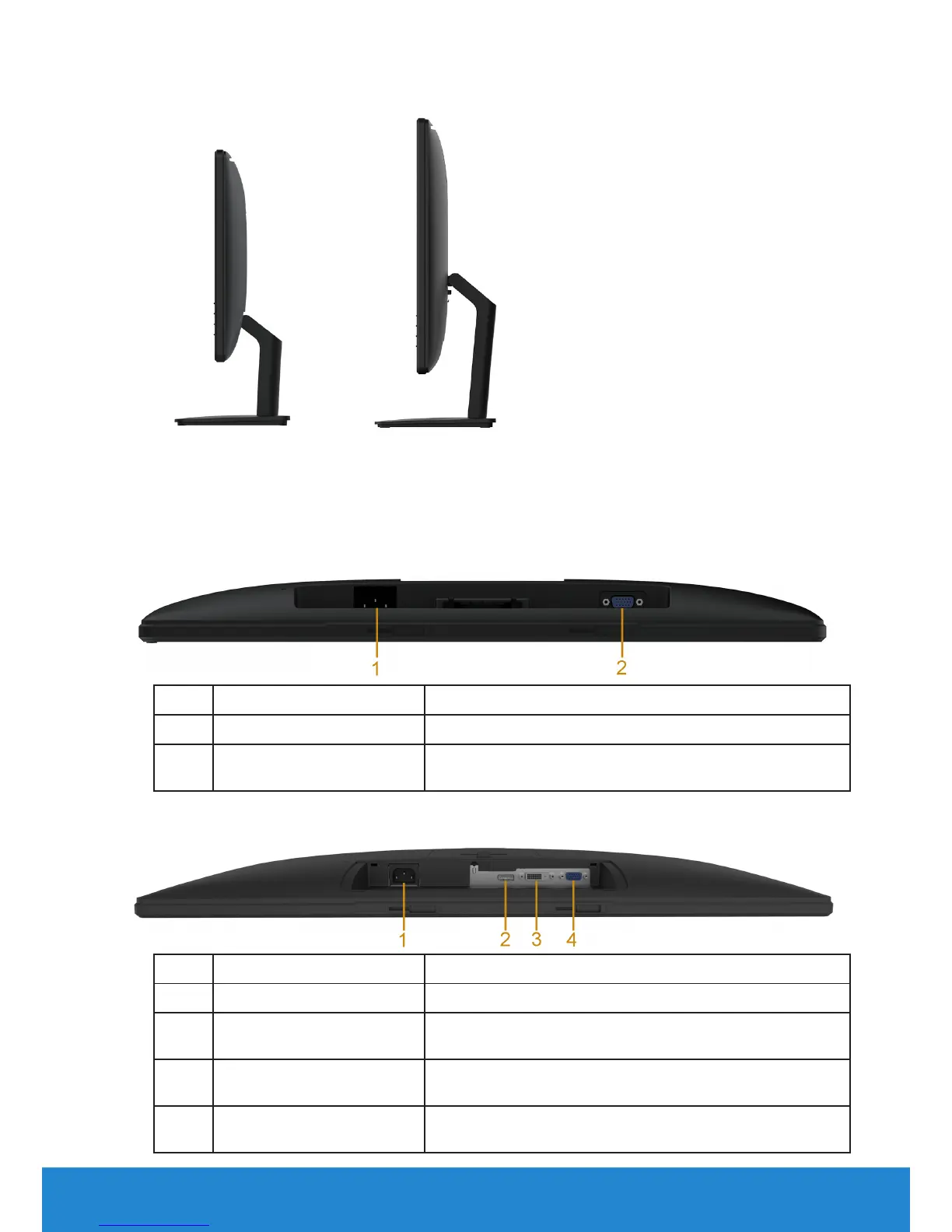
Side View
E2015HV/E2215HV E2715H
Right Side
Bottom View
E2015HV/E2215HV:
Label Description Use
1 AC power connector To connect the monitor power cable.
2 VGA connector To connect your computer to the monitor using
a VGA cable.
E2715H:
Label Description Use
1 AC power connector To connect the monitor power cable.
2 Displayport connector To connect your computer to the monitor using
a DP cable.
3 DVI connector To connect your computer to the monitor using
a DVI cable.
4 VGA connector To connect your computer to the monitor using
a VGA cable.



 To Next Page