42 Operating the Monitor
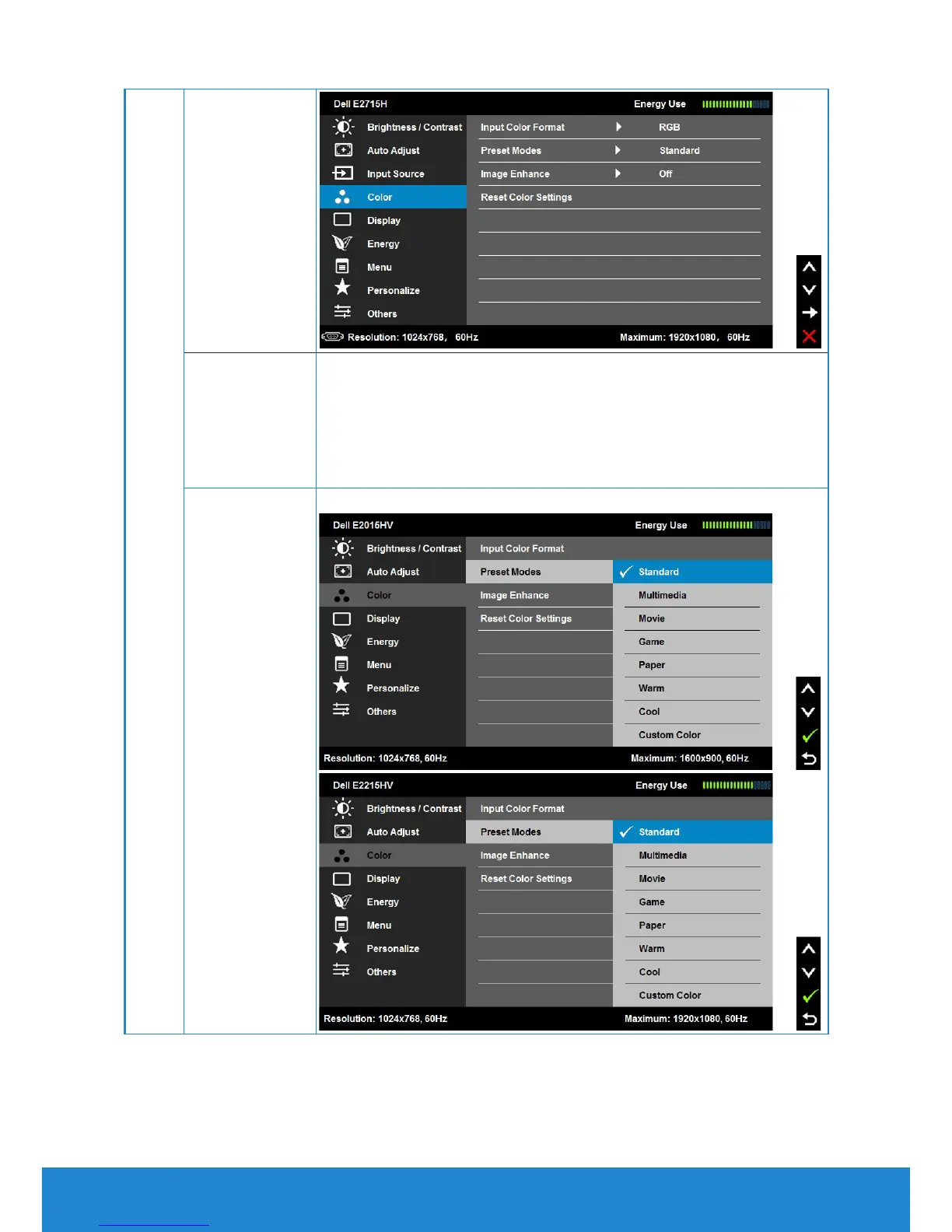
Input Color
Format
Allows you to set the video input mode to:
• RGB: Select this option if your monitor is
connected to a computer or DVD player using the
HDMI to DVI adapter.
• YPbPr: Select this option if your DVD player
supports only YPbPr output.
Preset Modes Allows you to choose from a list of preset color modes.



 To Next Page