Setting Up Your Monitor 75
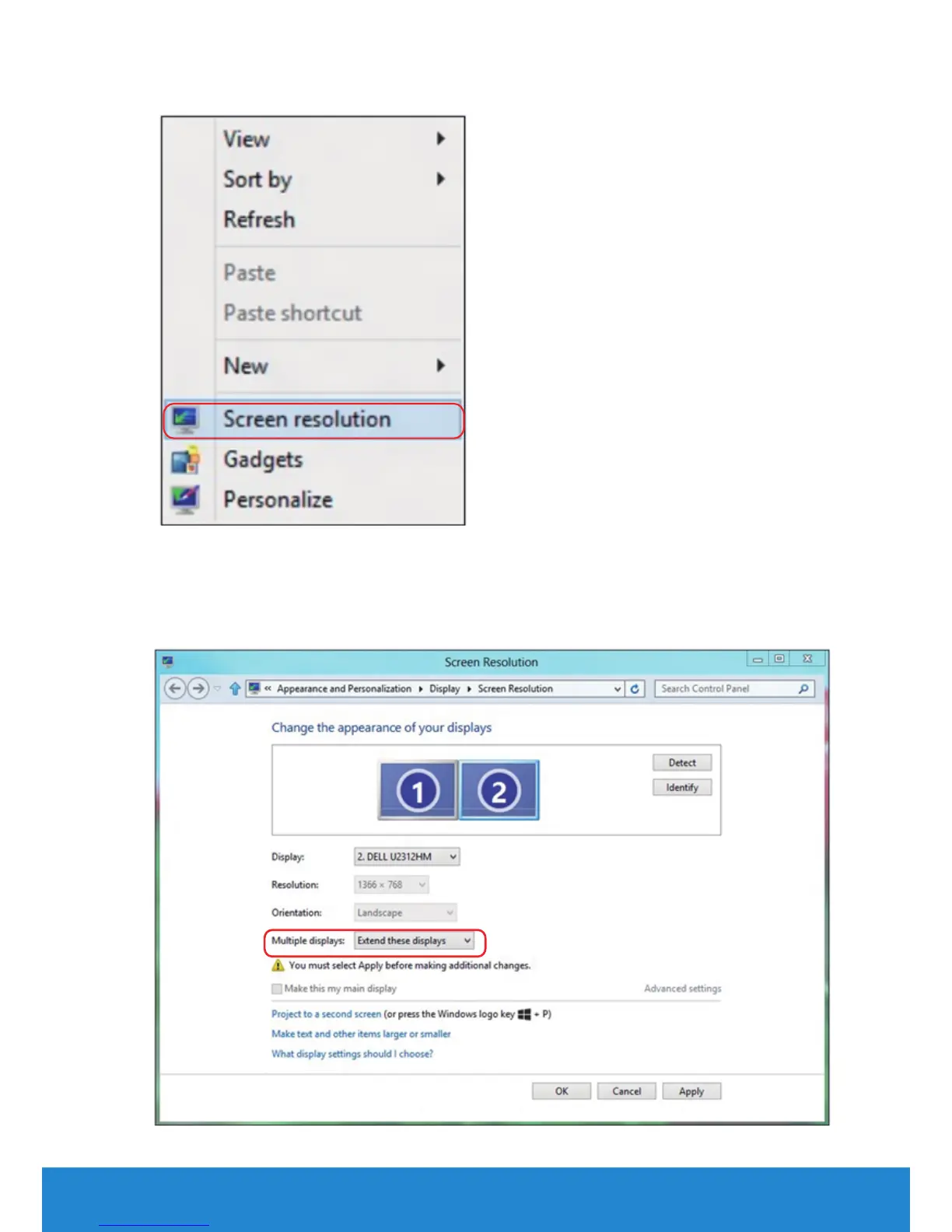
2. Right-click on the desktop and click Screen resolution.
3. Click Multiple displays to choose a display selection. If you do not see
the additional monitor listed, click Detect.
• You may need to restart your system and repeat steps 1 to 3 if the
system does not detect the added monitor.



 To Next Page