8 Dell Display Manager User's Guide
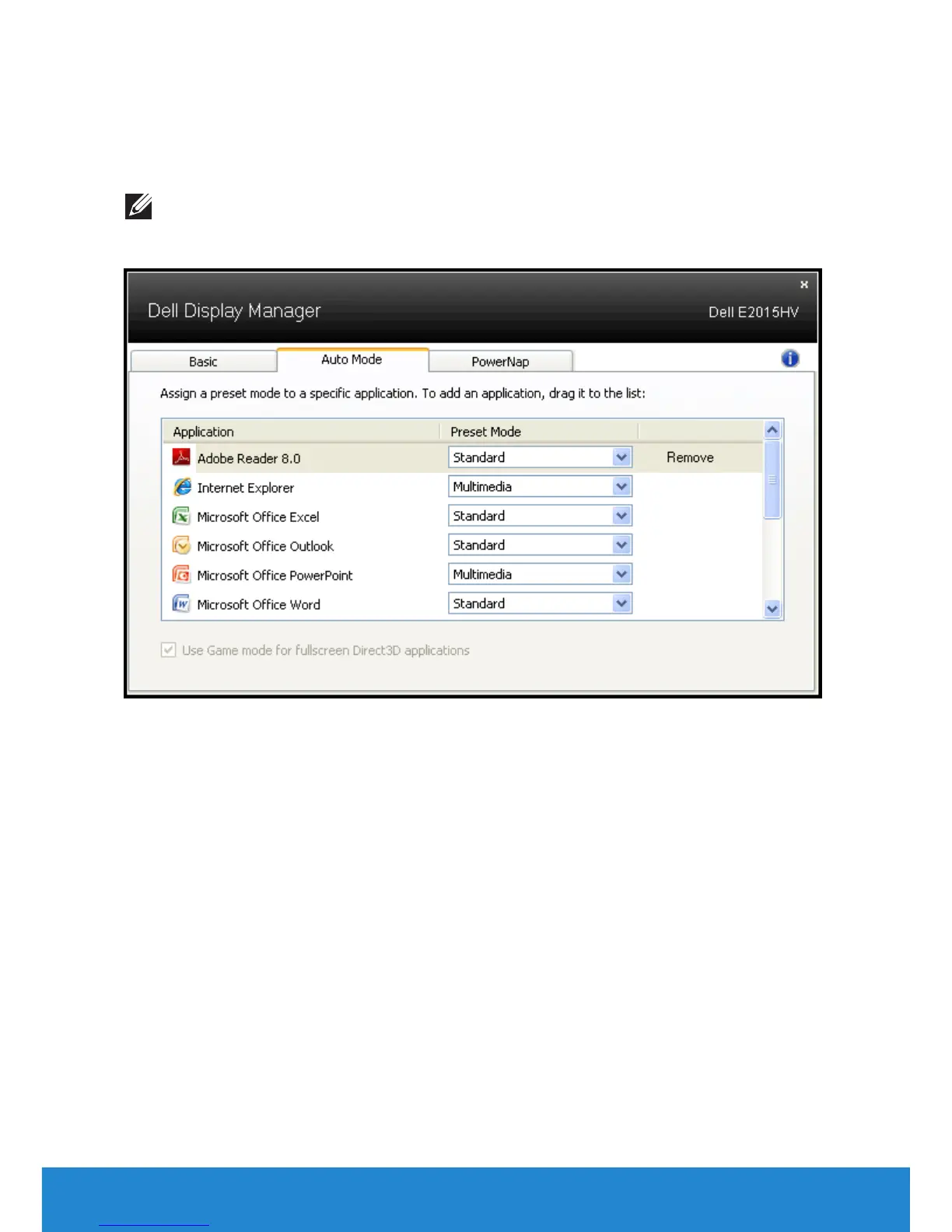
Dell Display Manager is pre-configured for many popular applications. To
add a new application to the assignment list, simply drag the application
from the desktop, Windows Start Menu or elsewhere, and drop it onto the
current list.
NOTE: Preset Mode assignments targeting batch files, scripts, and
loaders, as well as non-executable files such as zip archives or packed
files, are not supported and will be ineective.



 To Next Page