80 Setting Up Your Monitor
• Show desktop only on…: Display the status of a particular monitor.
This option is typically chosen when the laptop is used as a PC so the
user can enjoy a large external monitor. Most current laptops support
mainstream resolutions. As shown in the figure above, the resolution
of the laptop monitor is only 1280 x 800, but after connecting a 27”
external LCD monitor, users can immediately improve their visual
enjoyment to 1920 x 1080 Full HD quality.
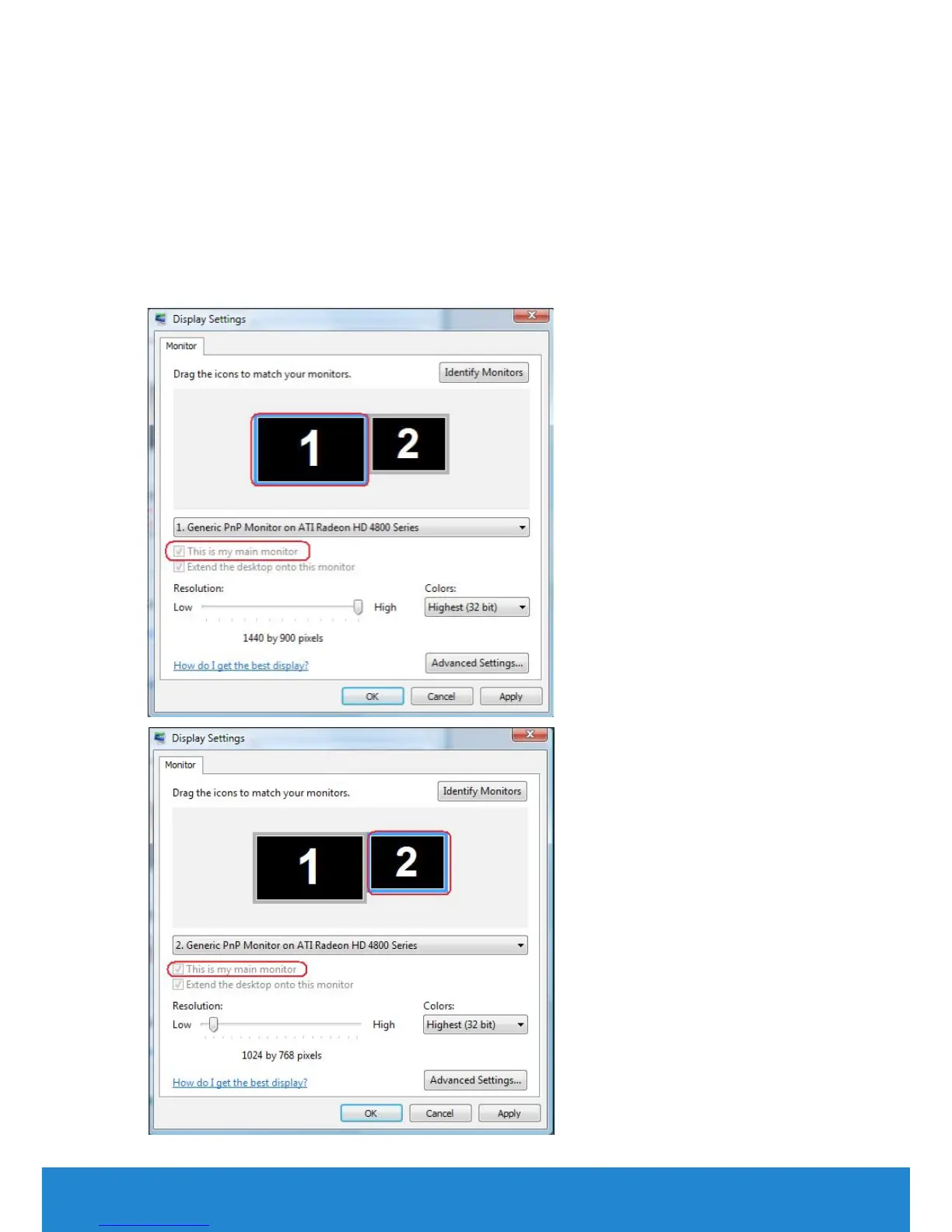
For Windows Vista®



 To Next Page