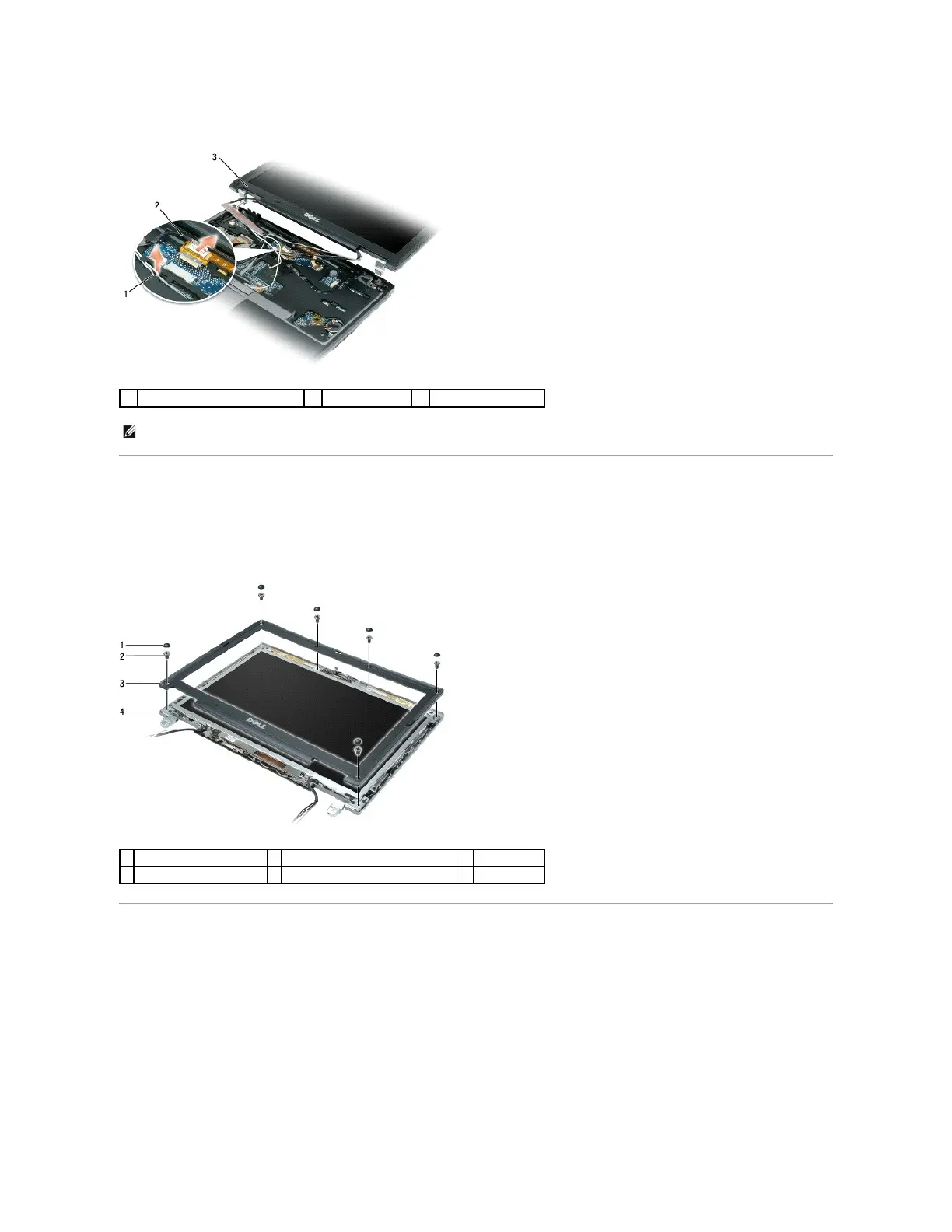
7. Lift the display assembly away from the computer.
Removing the Display Bezel
1. Remove the six screw covers/bumpers and the six M2.5 x 4.2-mm shoulder screws from the display bezel.
2. Use your fingers to carefully separate the display bezel from the top cover.
Removing the Display Panel
1. Remove the two M2 x 3-mm screws from the display panel.
2. Lift the display panel off the top cover.
NOTE: When you replace the display assembly, route the Mini-Card antenna cables through the system board and turn the computer upside down to
connect the antenna cables to the Mini-Cards.















 To Next Page