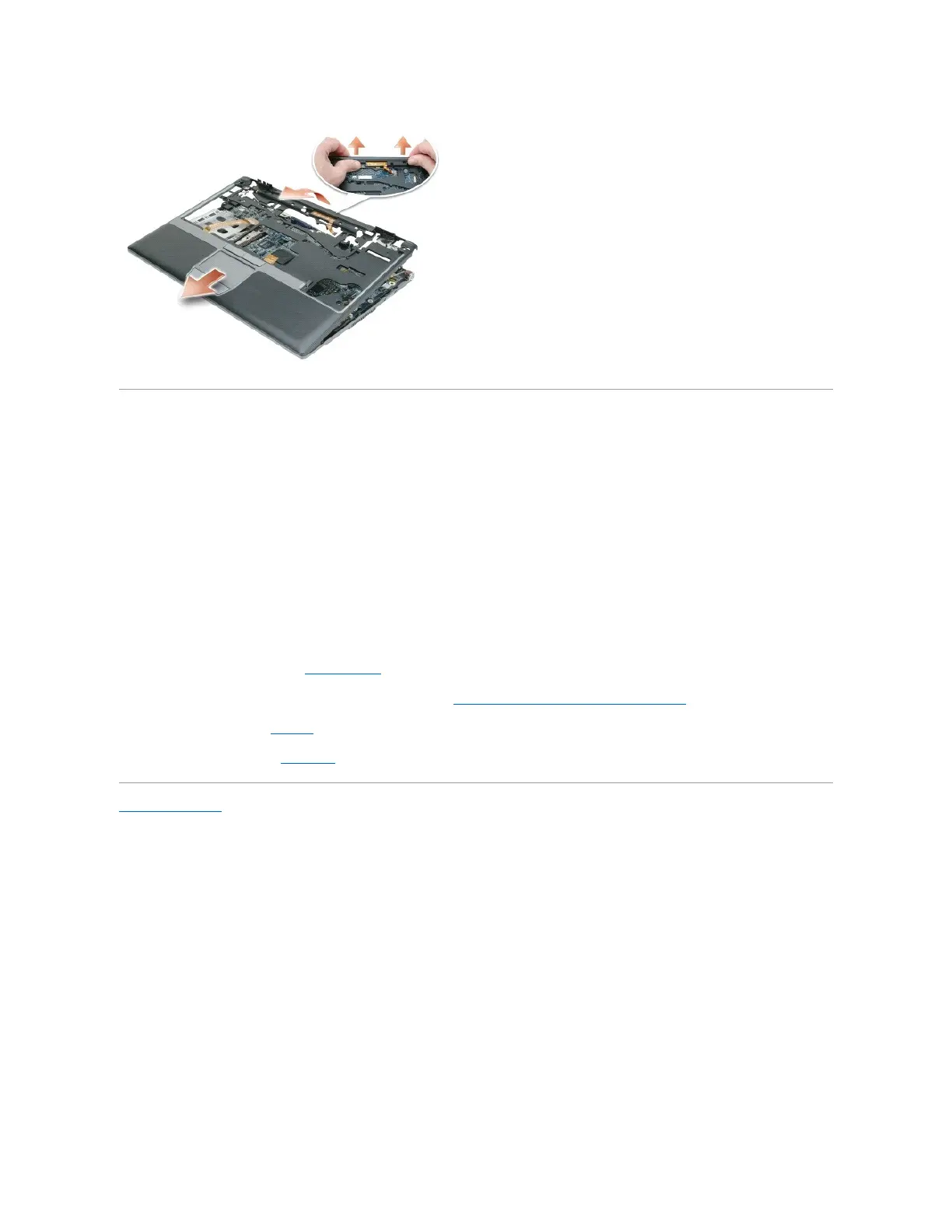
Replacing the Palm Rest
1. Align the palm rest with the computer base and gently snap into place.
2. Connect the LED board connector to the system board.
3. Connect the touch pad connector to the system board.
4. Connect the Secure Digital/SIM card reader cable connector to the system board.
5. Connect the speaker connector to the system board.
6. Replace the six M2.5 x 5-mm screws labeled "P" on the top of the palm rest.
7. Turn the computer upside down and replace the seven M2.5 x 5-mm screws in the computer base.
8. Replace the display assembly (see Display Assembly).
9. Replace the internal card with Bluetooth®wireless technology (see Internal Card With Bluetooth®Wireless Technology).
10. Replace the keyboard (see Keyboard).
11. Replace the hinge cover (see Hinge Cover).
Back to Contents Page















 To Next Page