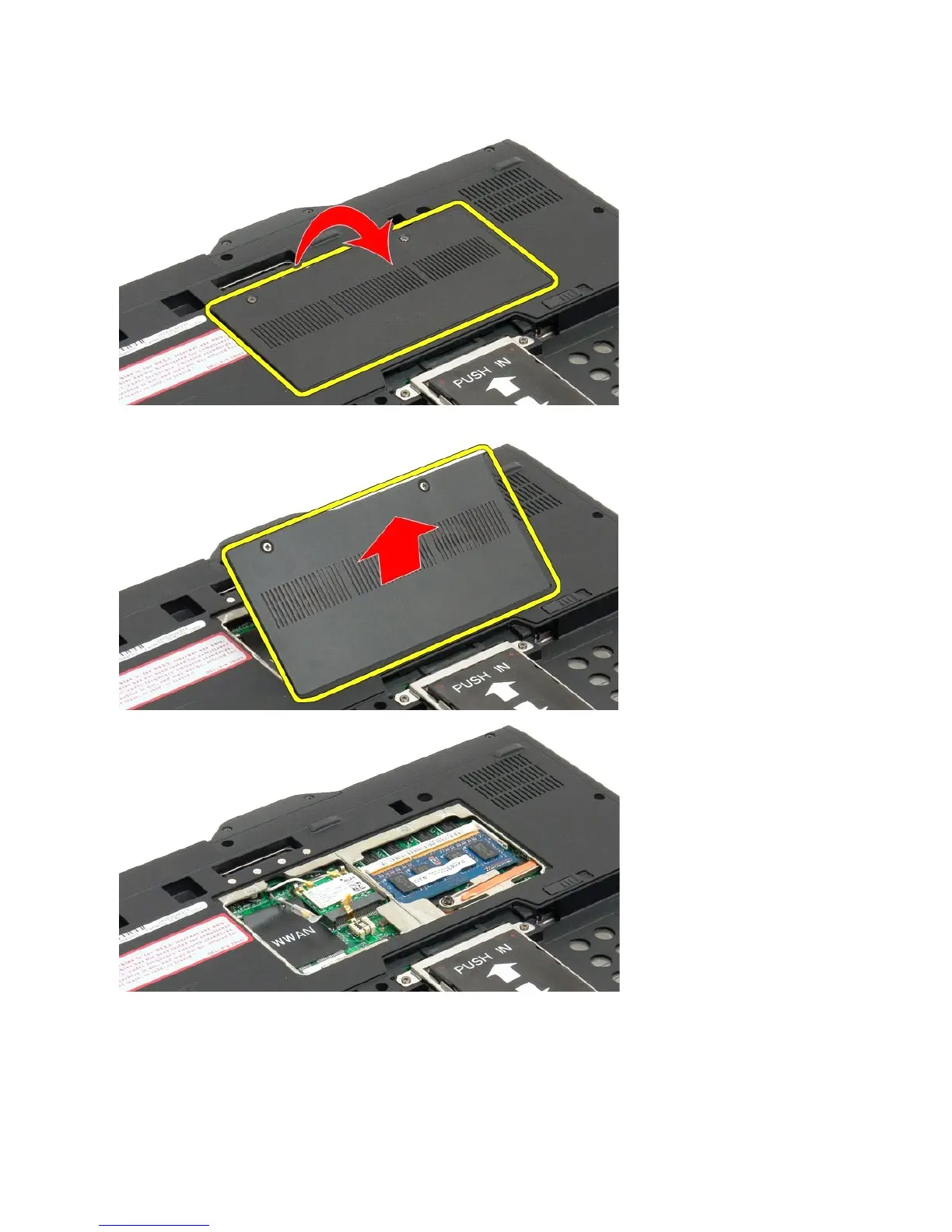
4. Tilt the cover towards the front of the Tablet-PC.
5. Lift the cover at an angle, and remove from the Tablet-PC.
Replacing the Memory and Mini-Card Cover
1. Insert the tabs of the memory and mini-card cover into the slots of the base.
2. Rotate the cover down and into place.
3. Tighten the two captive screws on the memory and mini-card cover.













 To Next Page