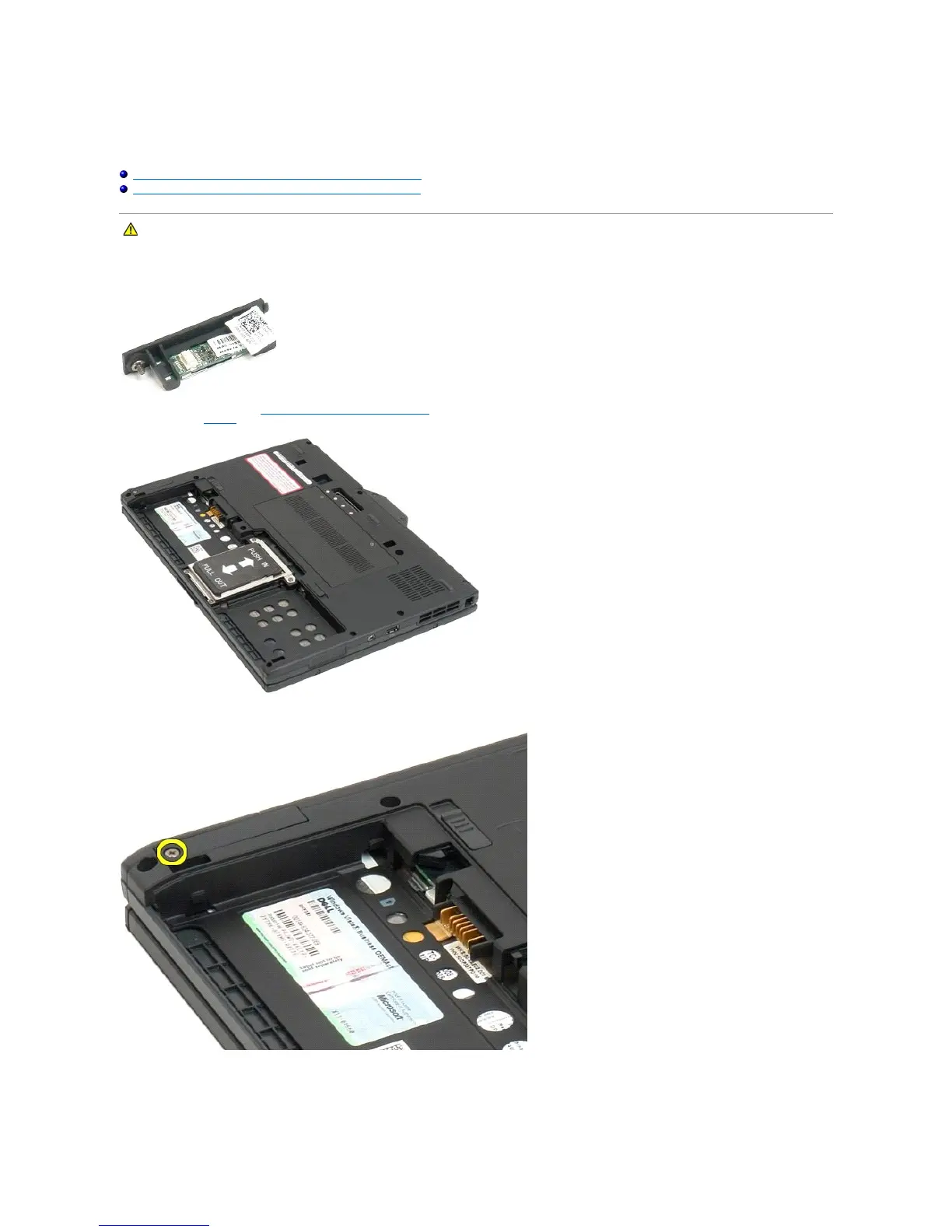
Internal Card With Bluetooth®Wireless Technology
Dell™Latitude™XT2ServiceManual
Removing the Internal Card With Bluetooth Wireless Technology
Replacing the Internal Card With Bluetooth Wireless Technology
Removing the Internal Card With Bluetooth Wireless Technology
1. Follow the procedures in Before Working Inside Your Tablet-PC.
2. Remove the battery from the Tablet-PC.
3. Loosen the captive screw on the Bluetooth assembly.
4. Carefully lift the Bluetooth assembly out of the Tablet-PC.
WARNING: Before working inside your Tablet-PC, read the safety information that shipped with your Tablet-PC. For additional safety best
practices information, see the Regulatory Compliance Homepage at www.dell.com/regulatory_compliance.













 To Next Page