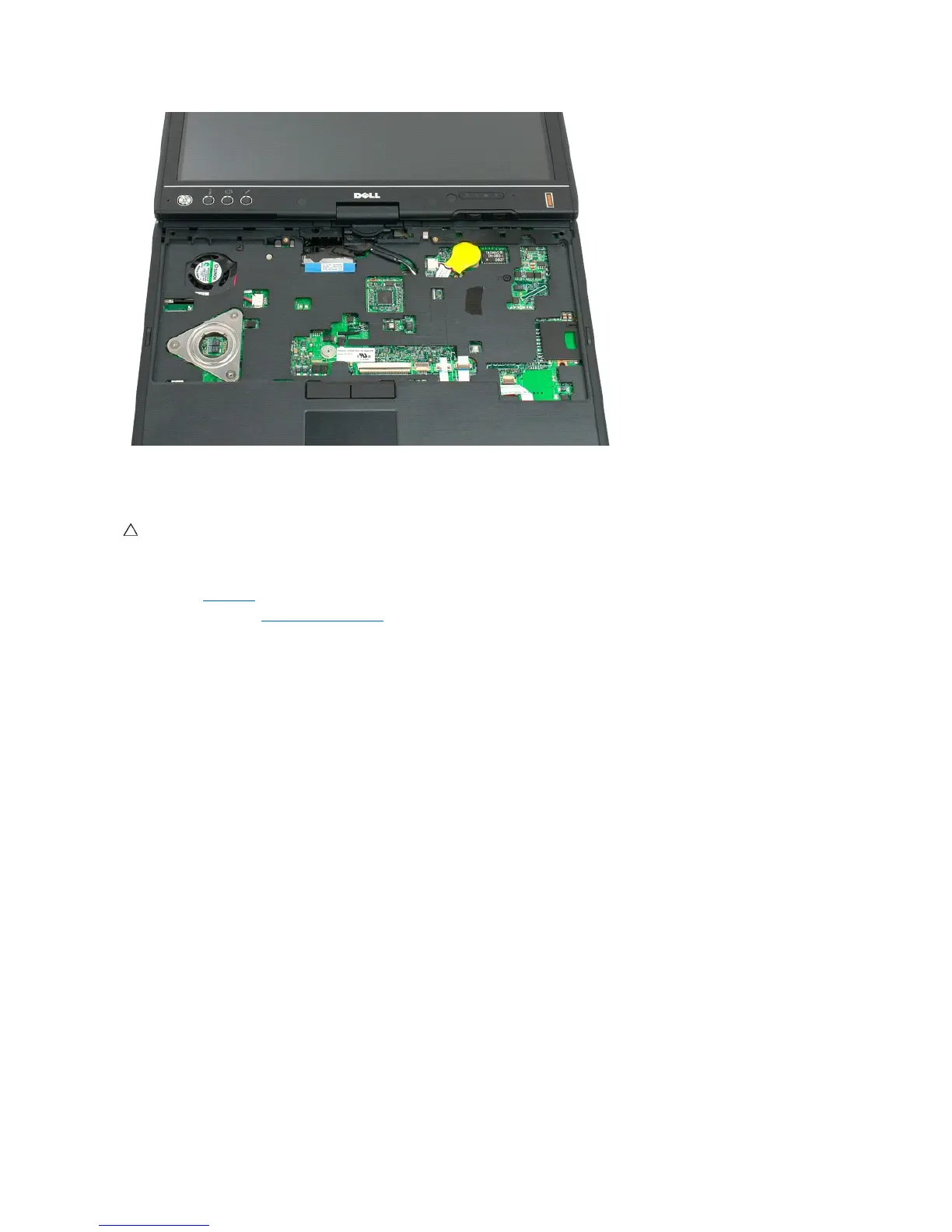
Replacing the Keyboard
1. Holding the top of the keyboard slightly above the computer, connect the touchpad cable and the keyboard cable to the system board.
2. Carefully press each side to snap the keyboard into place.
3. Secure the keyboard to the Tablet-PC with the two keyboard screws as shown in the illustration in step 4 of Removing the Keyboard.
4. Replace the hinge cover.
5. Close the display and turn the computer over.
6. Replace the battery. See Replacing the Main Battery.
CAUTION: The key caps on the keyboard are fragile, easily dislodged, and time-consuming to replace. Exercise care when removing and handling
the keyboard.













 To Next Page